SEO in 2026 is less about chasing isolated keywords and more about building a system: technical health, content quality, authority signals, and performance measurement working together. With AI-driven search features and faster-moving SERPs, teams need tools that help them prioritise, prove impact, and move quickly—without drowning in dashboards.
Most SEO stacks still boil down to a few core jobs: understanding demand (keywords and topics), auditing technical performance, analysing links and competitors, optimising content, and reporting outcomes. The best tools either do one of those jobs exceptionally well or connect several of them into a workflow you’ll actually use week after week.
Below are 12 SEO tools worth shortlisting for 2026, reviewed using a consistent mini-template so you can compare like-for-like.
1. Semrush


Best for (2026 fit): Semrush is best for in-house teams and agencies that want an all-in-one SEO platform covering research, content planning, technical checks, and competitive analysis. It’s especially useful if you need to support multiple sites or client accounts with repeatable workflows. In 2026, it remains a strong “single subscription” choice for teams that don’t want to stitch together lots of separate tools.
What it’s known for: Semrush is known for its broad SEO toolkit and competitive intelligence, particularly for keyword research and competitor visibility. It’s often used as a planning hub because it connects research to content and tracking. Many teams rely on it for quick, decision-ready insights when prioritising SEO work.
Standout features:
- Keyword research and competitor gap analysis
- Site audit tooling with prioritised issues
- Backlink analysis and link prospecting workflows
- Position tracking and share of voice reporting
- Content ideas and optimisation workflows
Use cases you’ll actually use: It’s great for building keyword sets, spotting ranking opportunities, and turning those insights into content briefs. It also helps teams run regular technical audits and track improvements over time. For agencies, it’s particularly useful for competitor benchmarking and recurring reporting.
Reporting & measurement: Semrush supports ranking and visibility reporting that’s easy to share with stakeholders. Audit outputs help quantify technical progress, while keyword tracking helps show momentum. It’s strong for “before and after” SEO narratives, especially when paired with Search Console data.
Pricing & buying model: Pricing is tiered by feature access and limits (projects, keywords, users). Costs rise as you add more sites, tracking, and team members. It typically sits in the mid-to-premium range compared to smaller tools.
Watch-outs:
- Can feel overwhelming if you only need one or two functions
- Limits (projects/keywords) can push you up tiers quickly
Who should shortlist it: If you want an all-in-one SEO platform for research, tracking, and competitor insights.
Case studies: View all case studies
2. Ahrefs


Best for (2026 fit): Ahrefs is ideal for teams that prioritise competitor research, backlink analysis, and content opportunity discovery. It’s widely used by agencies and in-house SEO teams who need reliable insight into what’s driving search visibility. In 2026, it remains a go-to for authority and competitive strategy work.
What it’s known for: Ahrefs is best known for link intelligence and competitive content research. Many teams use it to reverse-engineer what’s working in their category. It’s often the tool people trust most when link and competitor insights drive decision-making.
Standout features:
- Backlink analysis and link intersect research
- Content Explorer-style discovery workflows
- Keyword research and SERP analysis
- Site audit and technical monitoring
- Rank tracking (plan dependent)
Use cases you’ll actually use: Ahrefs is excellent for identifying link gaps, evaluating competitors’ best-performing pages, and finding content topics with proven demand. It’s also useful for diagnosing why a competitor is winning a SERP. For many teams, it’s the backbone of SEO strategy development.
Reporting & measurement: Reporting is strong for link profiles, competitor movement, and ranking visibility. It’s particularly helpful for explaining “why” performance changes are happening. Many teams pair it with Search Console for performance validation.
Pricing & buying model: Plans are tiered with limits and feature access varying by level. It sits in the premium category, especially for smaller teams. Cost is most justified when you actively use competitor and backlink workflows.
Watch-outs:
- Can be pricey if you only need occasional link checks
- Some features are tier-restricted
Who should shortlist it: If competitor and backlink intelligence are central to your SEO strategy.
Case studies: View all case studies
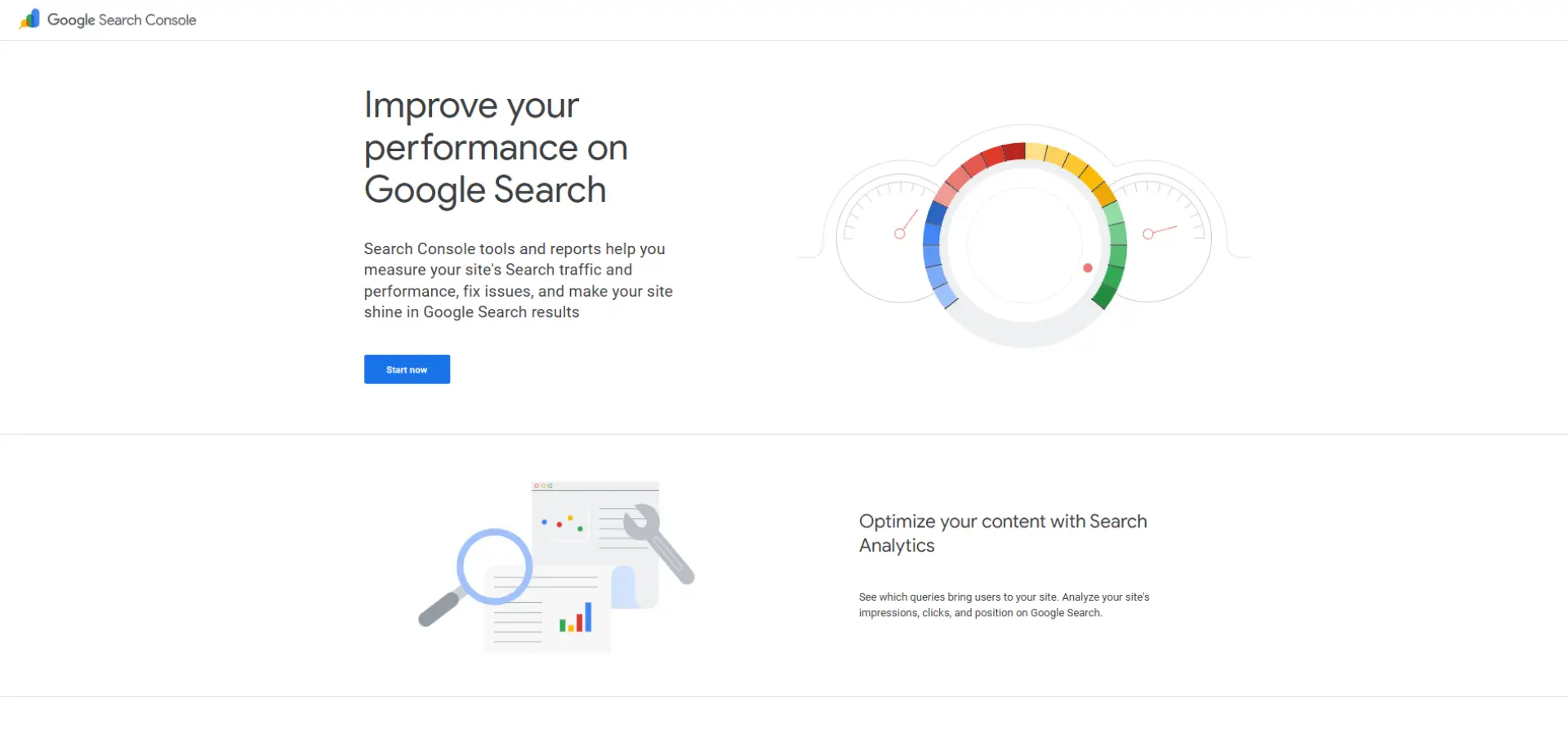
Best for (2026 fit): Google Search Console is essential for every site owner because it shows how Google actually sees and serves your pages. It’s invaluable for diagnosing indexing issues, performance changes, and technical problems. In 2026, it remains the foundation for trustworthy SEO measurement.
What it’s known for: It’s known for first-party data: clicks, impressions, queries, pages, indexing, and coverage issues. Unlike third-party tools, it reflects real Google Search performance. For many teams, it’s the truth source for SEO reporting.
Standout features:
- Search performance reporting (queries/pages)
- Indexing and coverage diagnostics
- Core Web Vitals and page experience signals
- Sitemap submission and crawl insights
- Manual actions and security issue alerts
Use cases you’ll actually use: Use it to understand what queries you already rank for and where you’re close to page one. It’s also the fastest way to spot indexing problems and traffic drops caused by technical issues. It’s essential for validating whether SEO work is actually moving the needle.
Reporting & measurement: Search Console is best for performance reporting tied to real clicks and impressions. It supports debugging and proving impact over time. It becomes even more powerful when combined with Looker Studio dashboards.
Pricing & buying model: Free.
Watch-outs:
- Limited historical data compared to paid tools
- Not a full competitor research platform
Who should shortlist it: Everyone—this is non-negotiable in any SEO stack.
Case studies: Not available
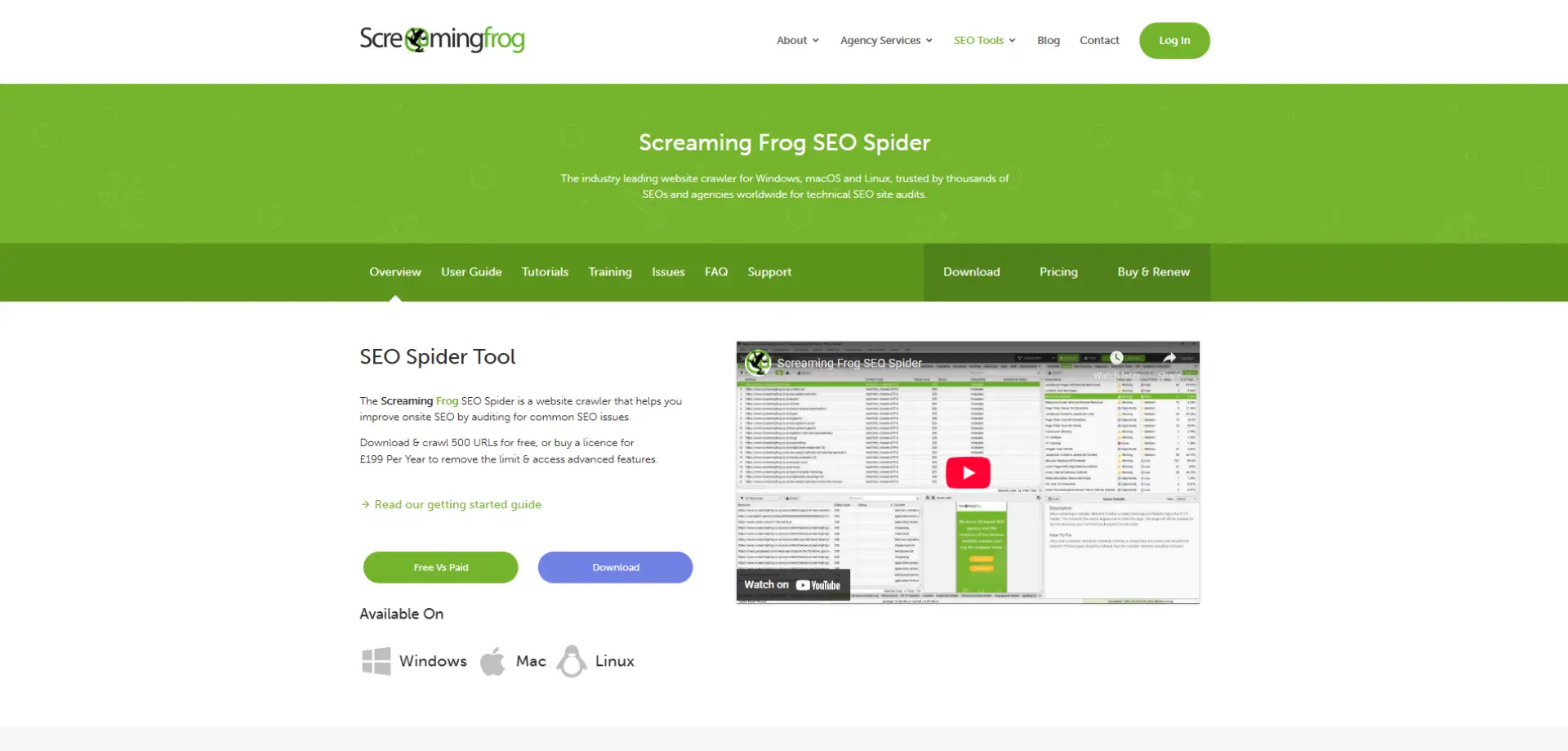
Best for (2026 fit): Screaming Frog is ideal for technical SEOs and teams who need deep, crawl-based diagnostics. It’s particularly useful for auditing large sites, migrations, and ongoing technical health checks. In 2026, it remains one of the most practical technical SEO tools available.
What it’s known for: It’s known for crawling sites like a search engine and turning technical issues into actionable outputs. It helps uncover problems at scale: broken links, redirects, duplicate content, metadata gaps, and more. Many SEOs rely on it as their technical “source of truth”.
Standout features:
- Full-site crawling and diagnostics
- Redirect mapping and migration checks
- Metadata and indexability auditing
- Custom extraction for on-page elements
- Integration with APIs (Search Console, GA)
Use cases you’ll actually use: Use it to find technical issues that quietly suppress rankings, especially across large sites. It’s also invaluable for pre- and post-migration checks. For content-heavy sites, it’s a fast way to identify duplicate or thin pages.
Reporting & measurement: Reporting is export-driven: you pull structured data and prioritise fixes. It’s excellent for communicating technical requirements to developers. Progress tracking is usually done by comparing crawl outputs over time.
Pricing & buying model: Annual licence pricing; relatively affordable compared to enterprise crawlers.
Watch-outs:
- Desktop tool; requires some technical confidence
- Outputs need interpretation and prioritisation
Who should shortlist it: If you need reliable technical crawling and audit depth.
Case studies: View all case studies
5. Moz Pro
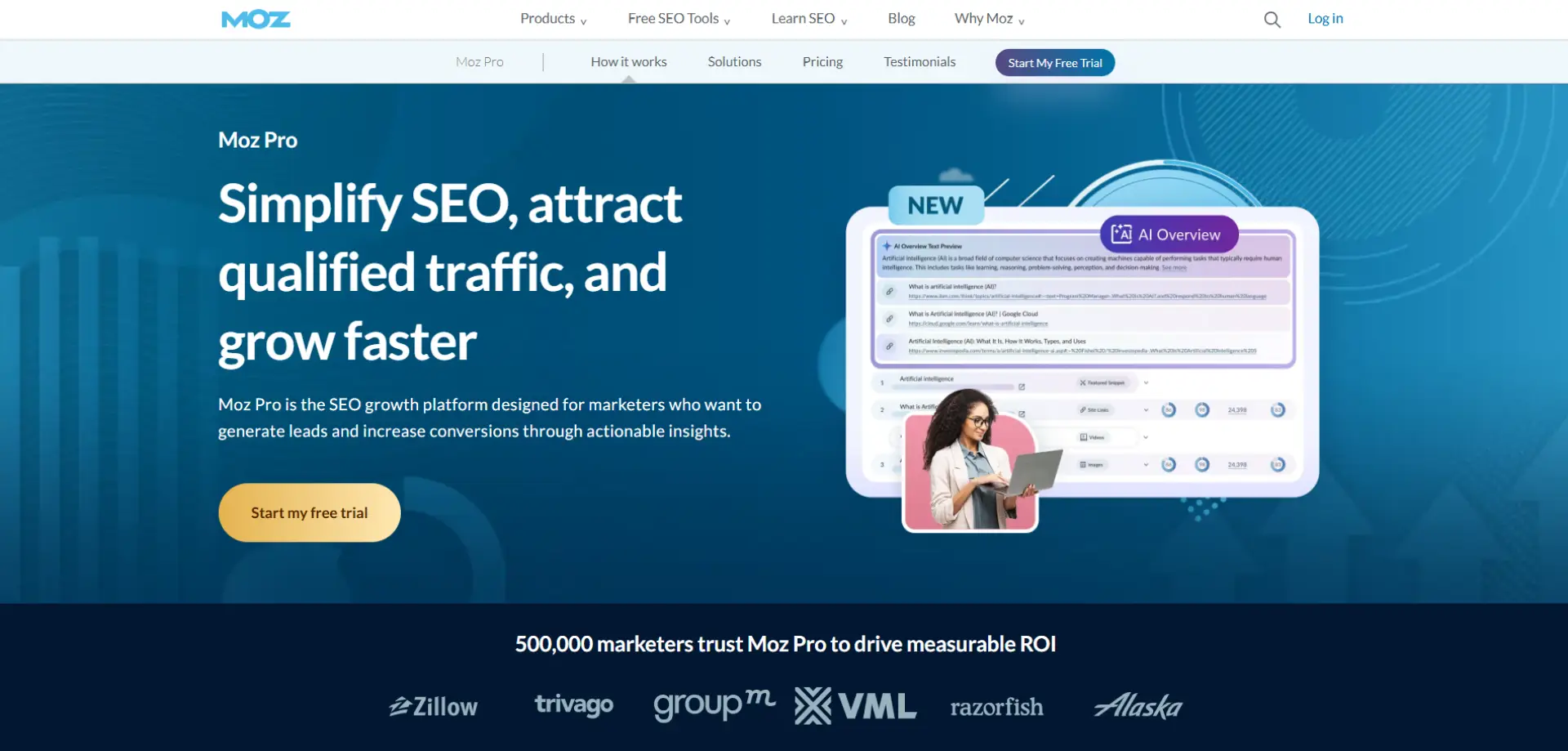
Best for (2026 fit): Moz Pro suits teams that want an approachable SEO suite with research, tracking, and site health monitoring. It’s a good fit for SMBs and in-house teams that value clarity over complexity. In 2026, it’s still a solid “steady all-rounder” for many organisations.
What it’s known for: Moz is known for accessible SEO metrics and a user-friendly experience. It’s long been used for keyword tracking and site health overviews. Many teams also use it as a training-friendly tool.
Standout features:
- Keyword research and tracking
- Site crawl and technical recommendations
- Link analysis and domain-level metrics
- On-page optimisation suggestions
- Reporting dashboards
Use cases you’ll actually use: Moz is helpful for tracking priority keywords and monitoring site health without heavy tooling. It supports ongoing optimisation and performance checks. Many teams use it to keep SEO visible internally.
Reporting & measurement: Reporting is straightforward and stakeholder-friendly. It’s good for ongoing tracking and summaries. Some teams complement it with deeper competitor tools.
Pricing & buying model: Tiered pricing; generally mid-range.
Watch-outs:
- Competitor and link depth may not match premium platforms
- Some advanced workflows require other tools
Who should shortlist it: If you want a user-friendly SEO suite that’s easy to adopt.
Case studies: View all case studies
6. Sitebulb

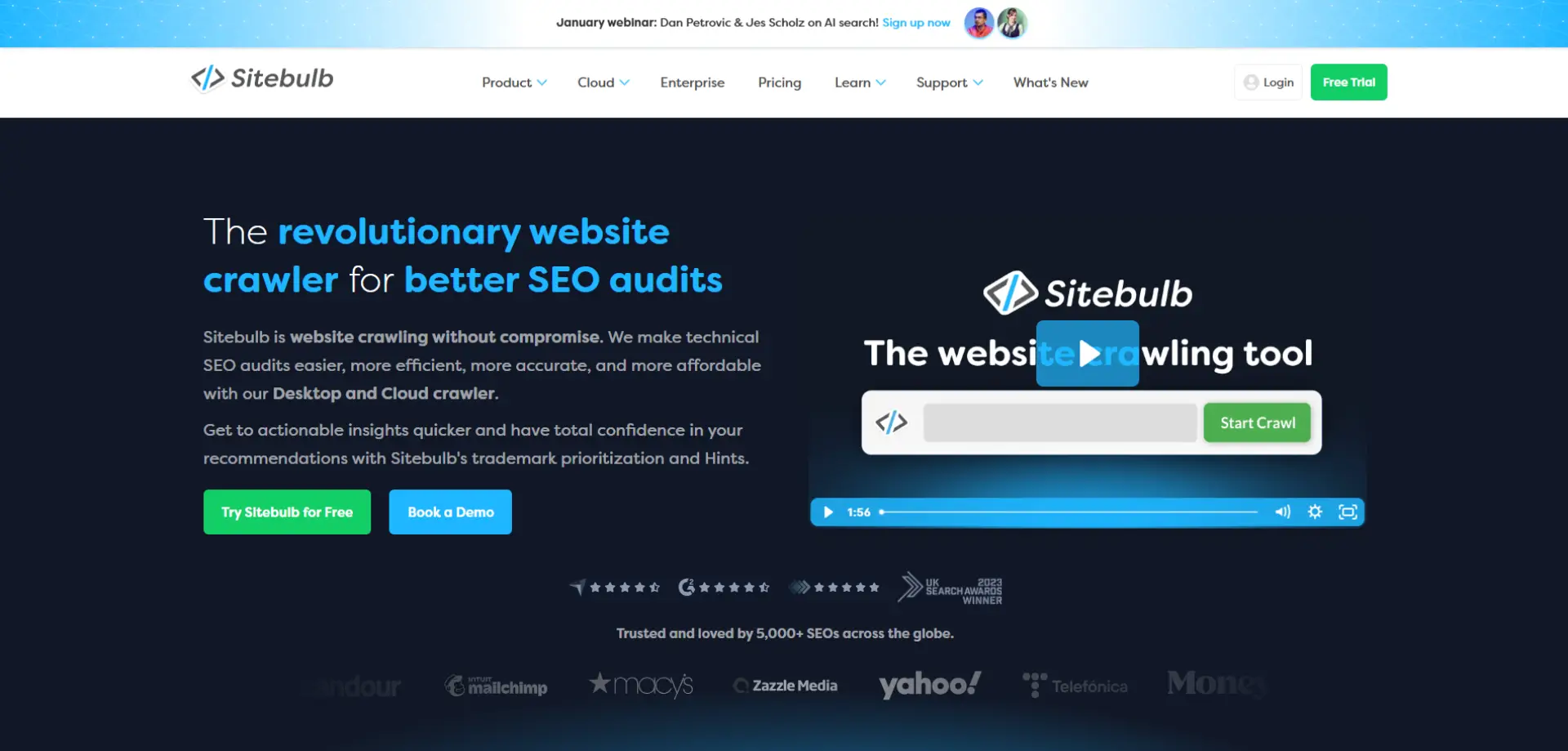
Best for (2026 fit): Sitebulb is great for teams that want technical crawling with clearer explanations and prioritisation. It’s ideal for SEOs who need to translate technical issues into business and developer actions. In 2026, it’s a strong alternative or companion to Screaming Frog for technical audits.
What it’s known for: It’s known for visual, audit-style reports and insight-driven explanations. Many users prefer it when they need storytelling and prioritisation built in. It’s particularly good for communicating “what to fix and why”.
Standout features:
- Technical crawling with prioritised hints
- Visual charts and site structure insights
- Audit reporting designed for sharing
- JavaScript and rendering options (depending on setup)
- Scheduled crawling (plan dependent)
Use cases you’ll actually use: Use Sitebulb for technical audits you need to present to stakeholders or developers. It helps you spot structural issues and internal linking problems quickly. It’s also strong for turning audits into action plans.
Reporting & measurement: Reporting is one of Sitebulb’s strengths, with visuals that help explain technical impact. It’s easier to share than raw crawl exports. Progress is typically tracked through repeat audits.
Pricing & buying model: Subscription-based; typically mid-range depending on licence type.
Watch-outs:
- Not a replacement for full competitor/link platforms
- Large sites can require more resources/time
Who should shortlist it: If you want technical crawling with clearer prioritisation and storytelling.
Case studies: View all case studies
7. Surfer SEO

Best for (2026 fit): Surfer suits content teams that want data-led on-page optimisation guidance while writing. It’s useful for agencies and in-house teams producing content at volume. In 2026, it remains popular for structured, repeatable content optimisation.
What it’s known for: It’s known for content scoring and on-page recommendations based on SERP analysis. Teams often use it to standardise briefs and optimisation practices. It’s a workflow tool as much as an SEO tool.
Standout features:
- Content editor with optimisation guidance
- SERP-based page analysis
- Brief and outline generation
- Content audits (plan dependent)
- Collaboration workflows
Use cases you’ll actually use: Use Surfer to create consistent optimisation standards across writers and editors. It’s good for refreshing existing pages and producing new content briefs. Many teams use it to speed up “what should we include?” decisions.
Reporting & measurement: It’s strongest at content-level guidance rather than macro reporting. Measurement typically happens via Search Console and rank tracking. It’s best used as part of a broader stack.
Pricing & buying model: Subscription tiers; costs rise with usage/features.
Watch-outs:
- Can encourage “writing to a score” if used rigidly
- Not a technical SEO or link analysis tool
Who should shortlist it: If you publish lots of content and want consistent on-page optimisation.
Case studies: View all case studies
8. Clearscope
Best for (2026 fit): Clearscope is ideal for teams focused on editorial quality and search-driven content performance. It’s especially useful for brands that care about tone, readability, and relevance—not just keyword inclusion. In 2026, it remains a premium option for content optimisation and brief quality.
What it’s known for: It’s known for content grading and keyword/topic suggestions aligned to top-ranking pages. Many teams like it because it supports better writing, not just SEO stuffing. It’s often favoured by editorial-led content teams.
Standout features:
- Content grading and topic recommendations
- Brief creation for writers
- Optimisation guidance for refreshes
- Collaboration and review workflows
- Integration options (plan dependent)
Use cases you’ll actually use: Use Clearscope to improve briefs and raise content quality consistently across a team. It’s strong for updating existing pages to match evolving intent. Many teams use it to align writers, editors, and SEO.
Reporting & measurement: Clearscope supports content-level optimisation tracking. Performance measurement is usually done via Search Console and analytics tools. It works best when paired with rank tracking.
Pricing & buying model: Premium pricing; best for teams producing high-value content.
Watch-outs:
- Not suitable as a standalone SEO platform
- Cost can be high for smaller teams
Who should shortlist it: If you want editorial-grade content optimisation for competitive topics.
Case studies: View all case studies
9. SE Ranking

Best for (2026 fit): SE Ranking is a strong fit for SMBs and agencies needing rank tracking, audits, and reporting at a more accessible price point. It’s useful when you want broad coverage without premium-tool cost. In 2026, it’s often shortlisted as a value-led suite.
What it’s known for: It’s known for ranking monitoring and practical SEO tooling. Many teams use it as a central place for tracking and basic audits. It’s a good “do a lot for the price” option.
Standout features:
- Rank tracking and reporting
- Website audit tools
- Keyword research
- Competitor analysis basics
- Client reporting workflows
Use cases you’ll actually use: Use SE Ranking for ongoing tracking, reporting, and baseline site health monitoring. It’s particularly useful for agencies that need repeatable client reporting. Many teams use it to keep SEO visible and measurable.
Reporting & measurement: Reporting is a core strength, especially for rank tracking outputs. It supports client-friendly dashboards and exports. Combine with Search Console for click and impression data.
Pricing & buying model: Generally mid-to-lower cost compared to premium suites; pricing scales with usage.
Watch-outs:
- Depth may not match Semrush/Ahrefs for some workflows
- Advanced technical needs may require specialist tools
Who should shortlist it: If you want a capable SEO suite with strong tracking at a sensible price.
Case studies: View all case studies
10. Mangools
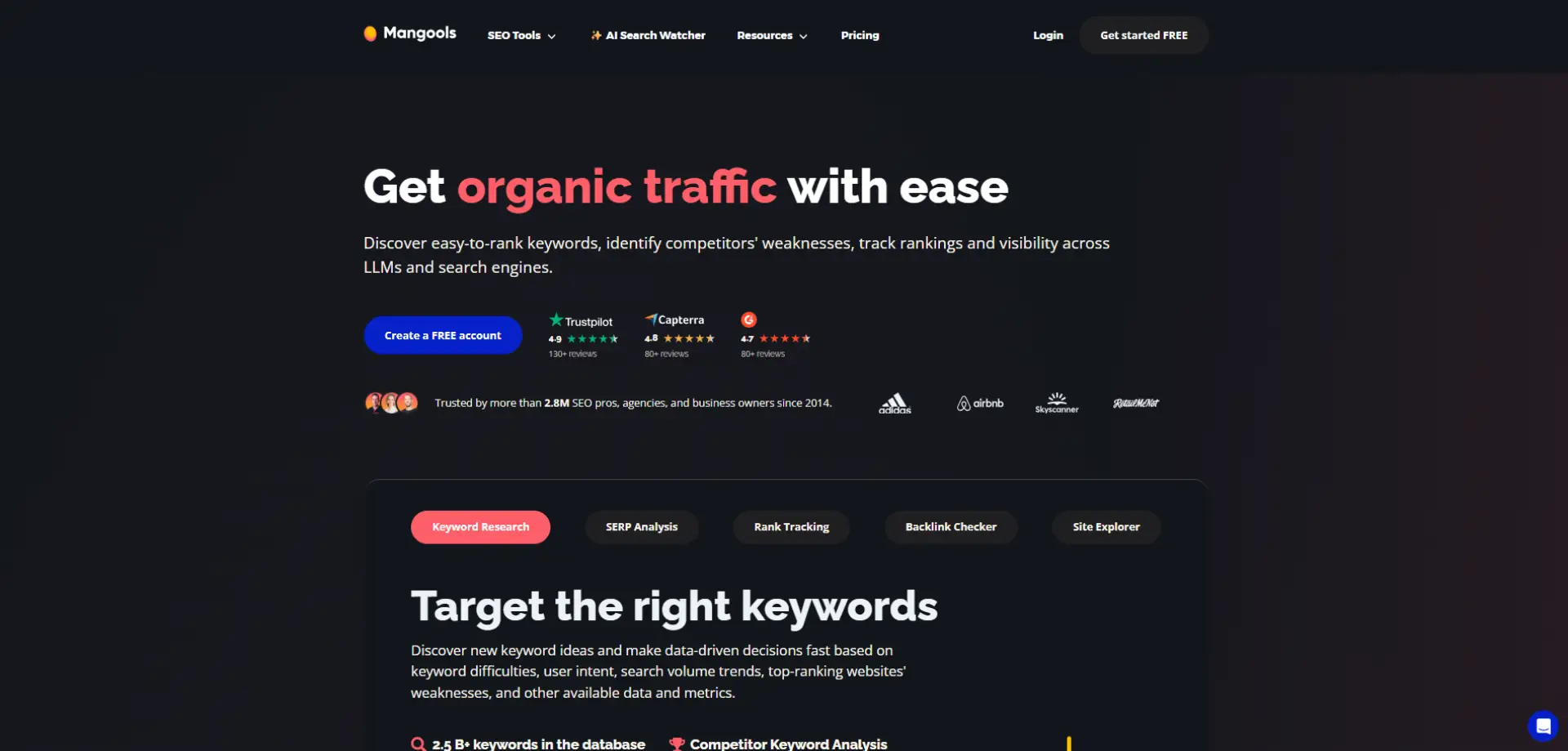
Best for (2026 fit): Mangools suits small teams who want approachable keyword research and rank tracking without complexity. It’s a good fit for content-led SEO and early-stage programmes. In 2026, it remains a friendly entry-level toolkit.
What it’s known for: It’s known for simplicity and ease of use. Tools are designed for quick keyword discovery and SERP analysis. It’s often chosen by non-specialists.
Standout features:
- Keyword research and SERP analysis
- Rank tracking
- Basic backlink checks
- Simple UI and workflows
- Reporting basics
Use cases you’ll actually use: Use Mangools to build keyword lists, assess difficulty, and track progress. It’s useful for content planning and quick competitor checks. Great when you want insight without a steep learning curve.
Reporting & measurement: Reporting is solid for rank tracking and basic performance summaries. It’s less suited to deep technical and link reporting. Pair with Search Console for first-party data.
Pricing & buying model: Lower-to-mid pricing; generally accessible for small teams.
Watch-outs:
- Limited depth for enterprise or complex SEO needs
- Not a technical crawler replacement
Who should shortlist it: If you want beginner-friendly keyword research and tracking.
Case studies: View all case studies
11. Google Trends
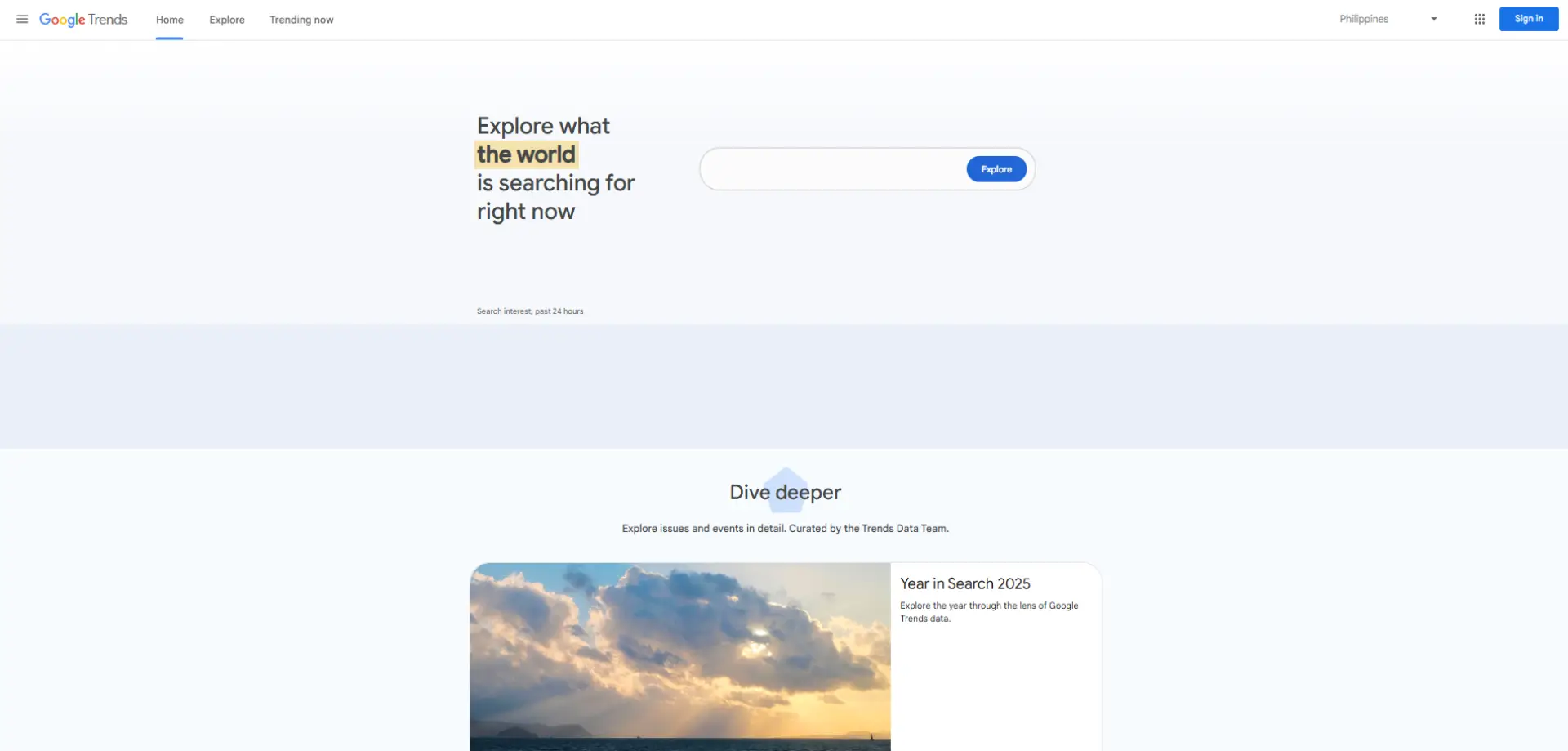
Best for (2026 fit): Google Trends is great for topic discovery, seasonality checks, and understanding demand shifts. It’s particularly useful for content teams and strategists. In 2026, it remains a fast, free tool for smarter planning.
What it’s known for: It’s known for showing relative interest over time. Teams use it to spot spikes, compare topics, and sense-check assumptions. It helps prevent publishing content at the wrong time.
Standout features:
- Trend and seasonality analysis
- Topic comparison
- Regional interest insights
- Related queries and topics
- Fast validation for content ideas
Use cases you’ll actually use: Use it to decide when to publish, refresh, or promote content. It’s also useful for identifying emerging topics early. Many teams use it alongside keyword tools for richer planning.
Reporting & measurement: It’s not a performance reporting tool—more of a planning signal. Outputs are best used to inform strategy rather than measure success. Measurement should happen in Search Console/analytics.
Pricing & buying model: Free.
Watch-outs:
- Relative interest only, not exact search volume
- Limited SEO-specific diagnostics
Who should shortlist it: If you want better topic planning and seasonality insight for free.
Case studies: Not available
12. Keyword Insights
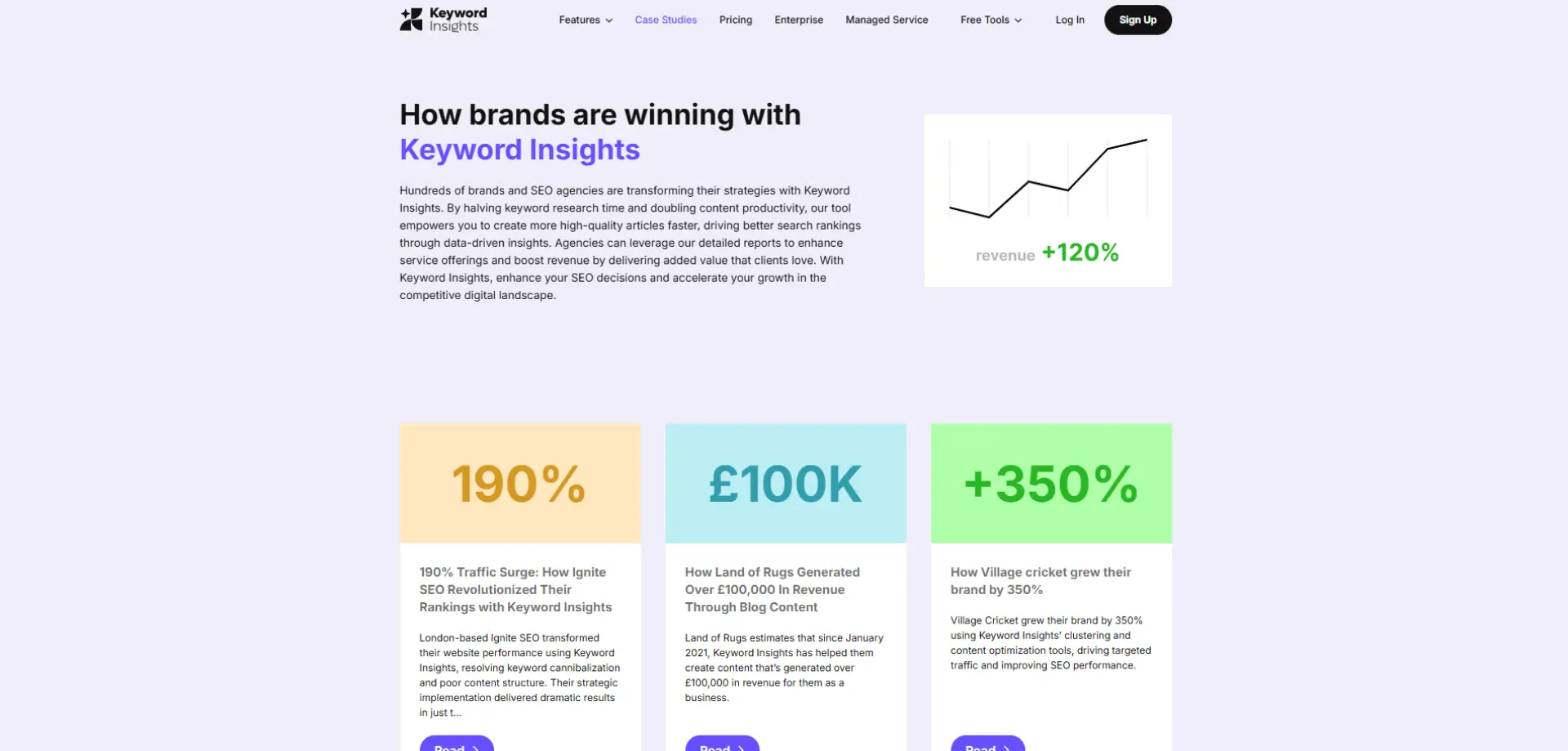
Best for (2026 fit): Keyword Insights is ideal for SEO and content teams focused on topic-led strategies rather than isolated keywords. It works particularly well for teams producing content at scale who need to cluster keywords intelligently. In 2026, it’s a strong choice for organisations prioritising topical authority and search intent.
What it’s known for: Keyword Insights is best known for keyword clustering and search intent analysis powered by automation. It helps teams group large keyword lists into meaningful topics quickly. This makes it especially valuable during content planning and site architecture work.
Standout features:
- Automated keyword clustering by topic and intent
- SERP similarity analysis
- Content brief and outline generation
- Keyword discovery and expansion
- Visual topic maps
Use cases you’ll actually use: Use Keyword Insights to turn messy keyword lists into clear topic clusters. It’s particularly helpful for planning pillar pages, supporting content, and internal linking strategies. Many teams use it early in the SEO workflow to shape content roadmaps.
Reporting & measurement: The tool focuses more on planning and strategy than ongoing performance tracking. Outputs are typically used to guide content creation rather than measure results directly. Performance is then tracked via Search Console and rank tracking tools.
Pricing & buying model: Pricing is usually credit-based or tiered depending on usage. Costs scale with the size of keyword datasets you process. It generally sits in the mid-range compared to enterprise SEO suites.
Watch-outs:
- Not a rank tracking or technical audit tool
- Best used alongside broader SEO platforms
Who should shortlist it: If you’re building content strategies around topics, clusters, and search intent rather than single keywords.
Case studies: View all case studies
How We Selected the SEO Tools That Actually Matter in 2026
- Coverage of the full SEO workflow: We deliberately selected tools that, together, cover the full SEO lifecycle rather than overlapping on the same narrow functions. That means research and demand understanding, technical auditing, content optimisation, authority and link analysis, and performance reporting all have a place. The aim is to help teams build a balanced stack instead of relying on one tool to do everything poorly.
- Depth where it matters: Tools scored highly if they either excel at a specific job or meaningfully connect multiple SEO tasks into a workflow teams actually use. We favoured platforms that go beyond surface-level metrics and provide insight that supports real decisions. In practice, this means tools that help you prioritise work, not just identify issues.
- Depth where it matters: Tools scored highly if they either excel at a specific job or meaningfully connect multiple SEO tasks into a workflow teams actually use. We favoured platforms that go beyond surface-level metrics and provide insight that supports real decisions. In practice, this means tools that help you prioritise work, not just identify issues.
- Measurement and proof: SEO success increasingly needs to be explained and defended internally, so tools that support credible measurement were prioritised. That includes visibility into performance changes, diagnostics that explain why those changes happened, and reporting that holds up in stakeholder conversations. Tools that help tell a clear “before and after” story scored higher.
- Value versus complexity: Finally, we balanced capability against cost and operational overhead. The list intentionally includes both premium platforms with deeper insight and lighter tools that deliver quick wins with minimal setup. The goal is not to recommend the most expensive tools, but the ones that deliver the best return for a given level of SEO maturity.
Building an SEO Tool Stack That Works in the Real World
The best SEO tools for 2026 are the ones that align with your goals, your site complexity, and how your team actually works. All-in-one platforms like Semrush or Moz can cover a lot of ground, while Ahrefs remains a strong choice for competitor and authority insight. For technical depth, Screaming Frog and Sitebulb are hard to beat, and for measurement, Search Console combined with Looker Studio gives stakeholders the clarity they expect.
The key isn’t owning every tool on this list—it’s choosing a focused stack that supports prioritisation, execution, and proof. The right combination should help you decide what to work on next, implement changes efficiently, and clearly demonstrate impact over time.
If you want expert support choosing the right SEO tools, integrating them into your wider martech stack, or turning SEO data into measurable business outcomes, contact The Munro Agency. We work with organisations to design practical, insight-led SEO strategies that connect tooling, content, and performance—without unnecessary complexity.
FAQs
An SEO tool is software that helps analyse, optimise, and measure a website’s performance in search engines. It typically supports keyword research, technical audits, content optimisation, link analysis, and reporting. In 2026, SEO tools are used to prioritise work and prove impact, not just track rankings.
The best SEO tools for 2026 depend on your goals and level of SEO maturity. Many teams use a core platform such as Semrush or Ahrefs alongside Google Search Console for first-party data and Screaming Frog or Sitebulb for technical audits. Content-focused teams often add tools like Surfer SEO or Clearscope for on-page optimisation.
To choose the right SEO tools, start by identifying your biggest SEO needs: technical health, content performance, authority building, or reporting. Next, check how well each tool fits your team’s workflows and integrates with your existing stack. Finally, prioritise tools that help you make decisions and demonstrate results, not just generate data.
Most organisations need more than one SEO tool because no single platform covers every SEO task equally well. A typical stack includes one research and tracking tool, one technical auditing tool, and Google Search Console for validation. The goal is a focused stack, not tool overload.
Free SEO tools can be enough for basic SEO work, especially for smaller sites. Google Search Console and Google Trends provide valuable insight into performance and demand. However, as sites grow or competition increases, paid tools are usually needed for deeper analysis and scalability.