Customer Relationship Management (CRM) systems have become essential for businesses that want to grow efficiently, retain clients, and keep teams aligned. In 2026, a CRM isn’t just a contact database. It’s a hub for sales, marketing, and customer experience, helping businesses automate tasks, track pipelines, and make smarter decisions.
Choosing the right CRM can be tricky. Some platforms are built for simplicity, ideal for small teams, while others are highly customisable, designed to meet the complex needs of large enterprises. Factors like integrations, ease of use, scalability, and cost all play a role.
To make your search easier, we’ve compiled a list of the top 15 CRM systems for 2026. Each entry includes an overview, standout features, the ideal audience, key features, and things to consider.
1. HubSpot

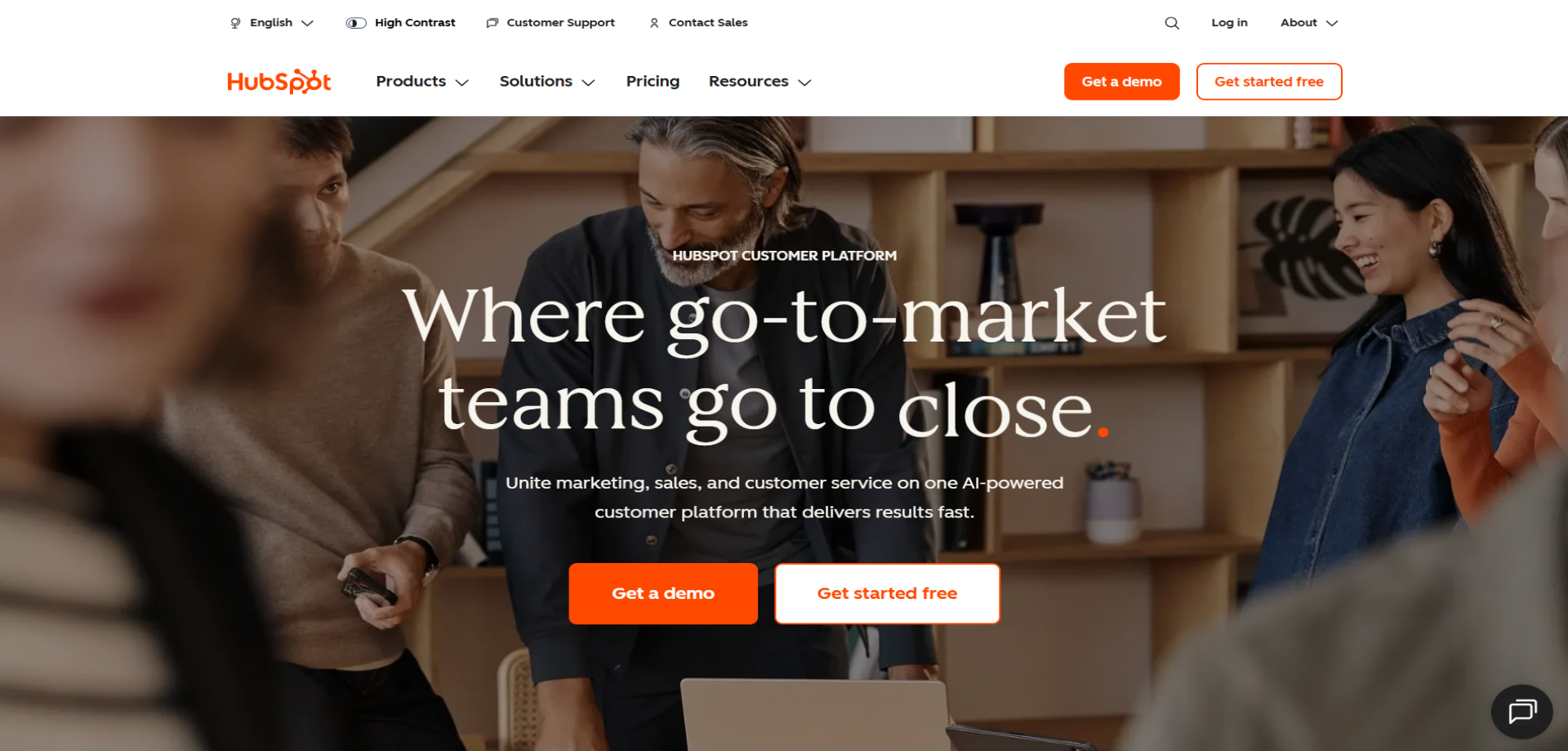
Overview: HubSpot CRM is a user-friendly platform that combines sales, marketing, and service tools. Its intuitive interface makes it easy for teams to get started without extensive training. The platform also integrates seamlessly with other HubSpot tools, allowing small teams to grow into more advanced marketing and service functions as needed.
Why It Stands Out: The free tier is genuinely useful, and paid options scale well as your business grows. Its strong inbound marketing tools and seamless integrations make it ideal for growing teams. HubSpot’s reporting and analytics also provide clear visibility into pipeline performance and marketing ROI.
Best For: Small to mid-sized businesses focused on inbound marketing.
Key Features:
-
Free core CRM
-
Email tracking and automation
-
Sales and marketing reporting
Things to Consider: Costs can rise as you expand features. Advanced customisation is less powerful than enterprise-level platforms. Teams may outgrow some features if their needs become very complex.
Case Studies: View all case studies

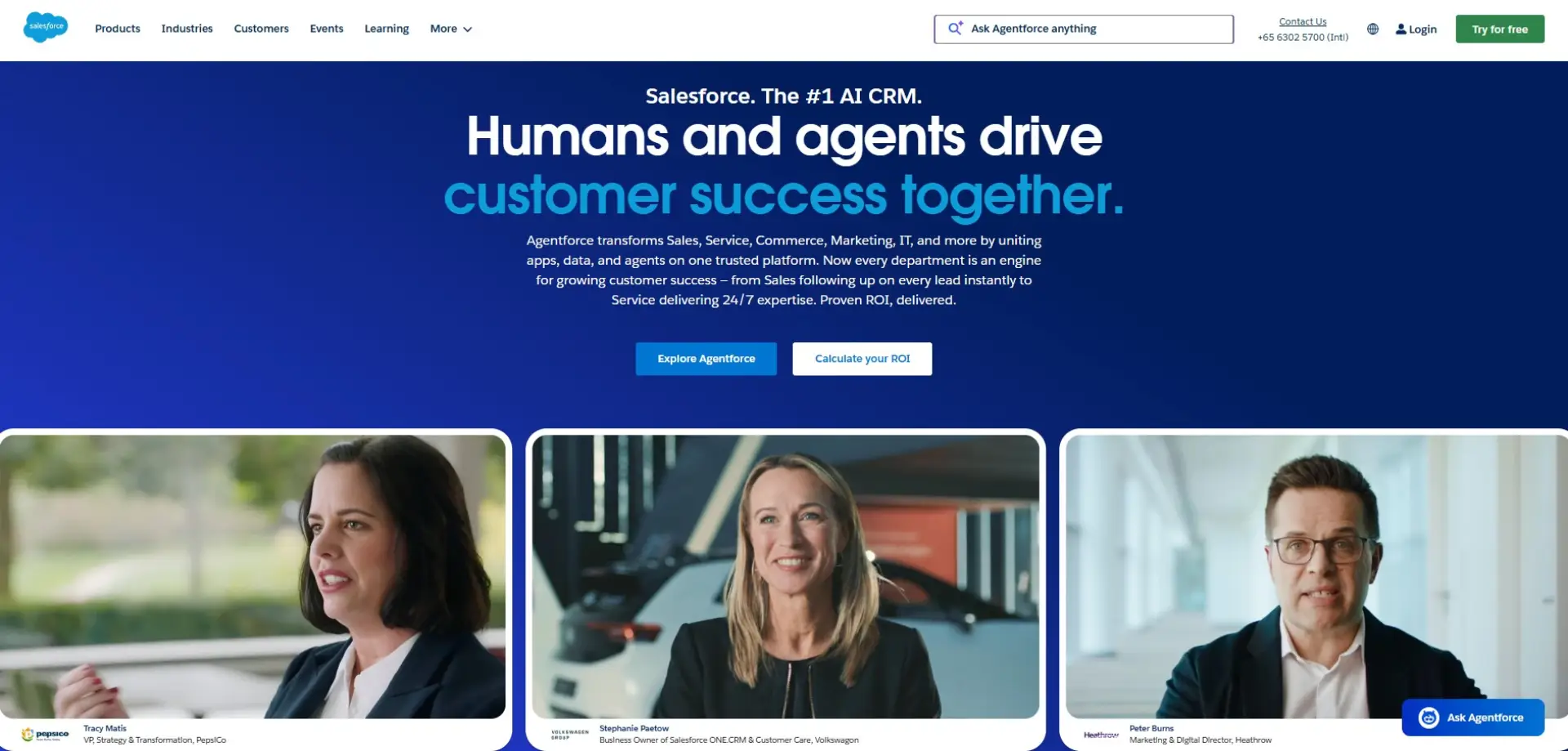
Overview: Salesforce Sales Cloud is a highly customisable CRM platform for managing sales pipelines, customer relationships, and reporting. It supports businesses of all sizes, though it’s particularly suited to large enterprises. It also provides tools for automating repetitive tasks, tracking leads, and generating advanced sales reports to keep teams productive.
Why It Stands Out: Its flexibility and vast ecosystem of integrations make it a top choice for complex workflows. Salesforce also offers AI-powered insights to prioritise leads and optimise forecasting. The platform’s continual updates and large user community make it easy to find support and new features.
Best For: Large enterprises and teams with complex sales processes.
Key Features:
-
Customisable workflows and dashboards
-
AI-driven forecasting and analytics
-
Extensive third-party integrations
Things to Consider: Salesforce can be expensive and has a steep learning curve. Smaller teams may require training or a dedicated administrator. Some organisations may find it overwhelming if they don’t need advanced enterprise features.
Case Studies: View all case studies
3. Zoho CRM
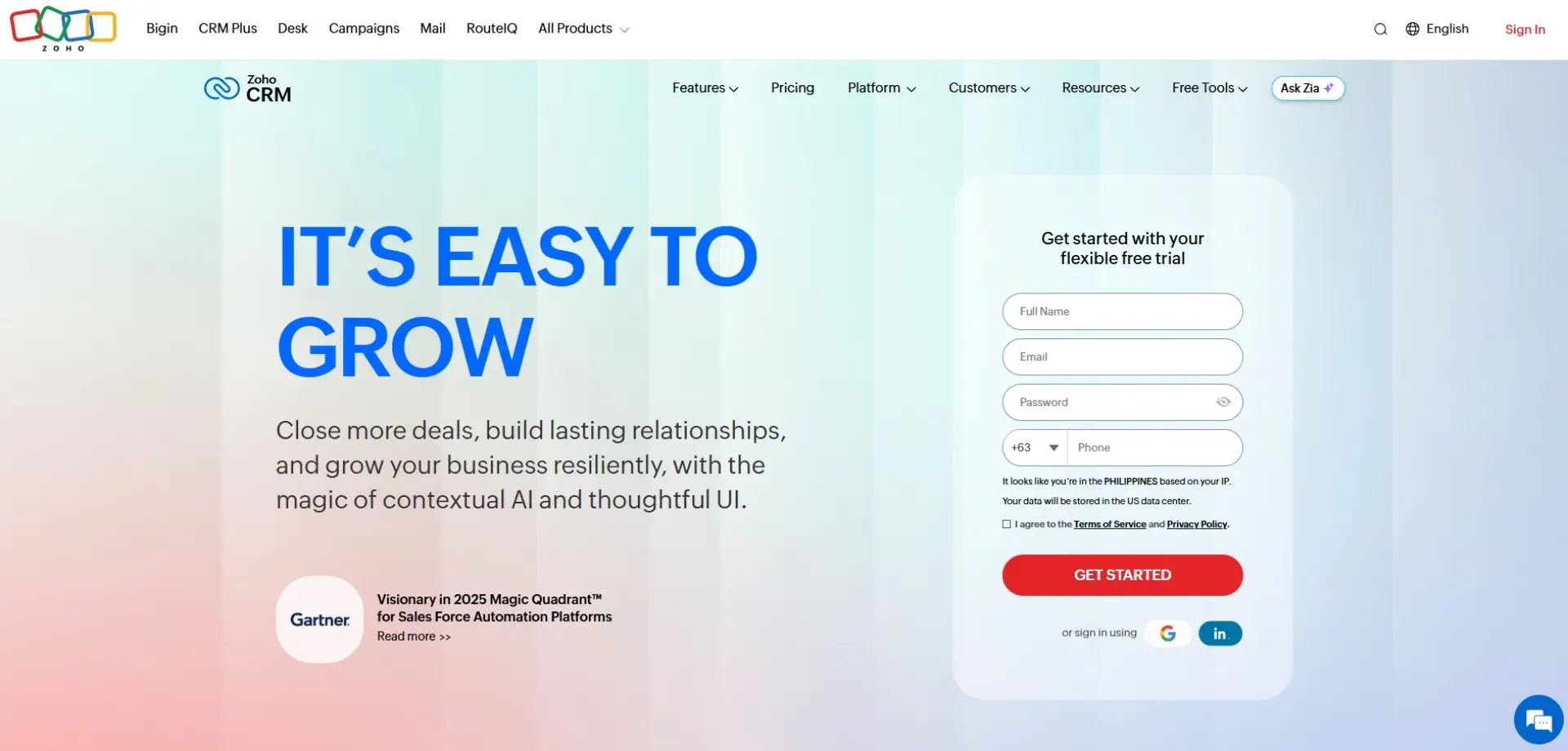
Overview: Zoho CRM is a flexible, cost-effective platform supporting sales automation, marketing, and customer engagement. Its integrations with the Zoho ecosystem extend its capabilities across multiple business functions. Zoho CRM is highly customisable, allowing teams to tailor workflows and pipelines to their exact requirements.
Why It Stands Out: Excellent value for money and highly adaptable. Teams can customise workflows and automate tasks to fit their specific needs. Its AI-powered assistant, Zia, provides predictive analytics and suggestions to improve sales performance.
Best For: Small and mid-sized businesses seeking flexibility at a lower cost.
Key Features:
-
AI-powered sales assistant
-
Multi-channel communication
-
Custom workflows and automation
Things to Consider: Interface can feel less polished than competitors. Some features may take time to configure. Support and training materials may not be as extensive as larger platforms.
Case Studies: View all case studies
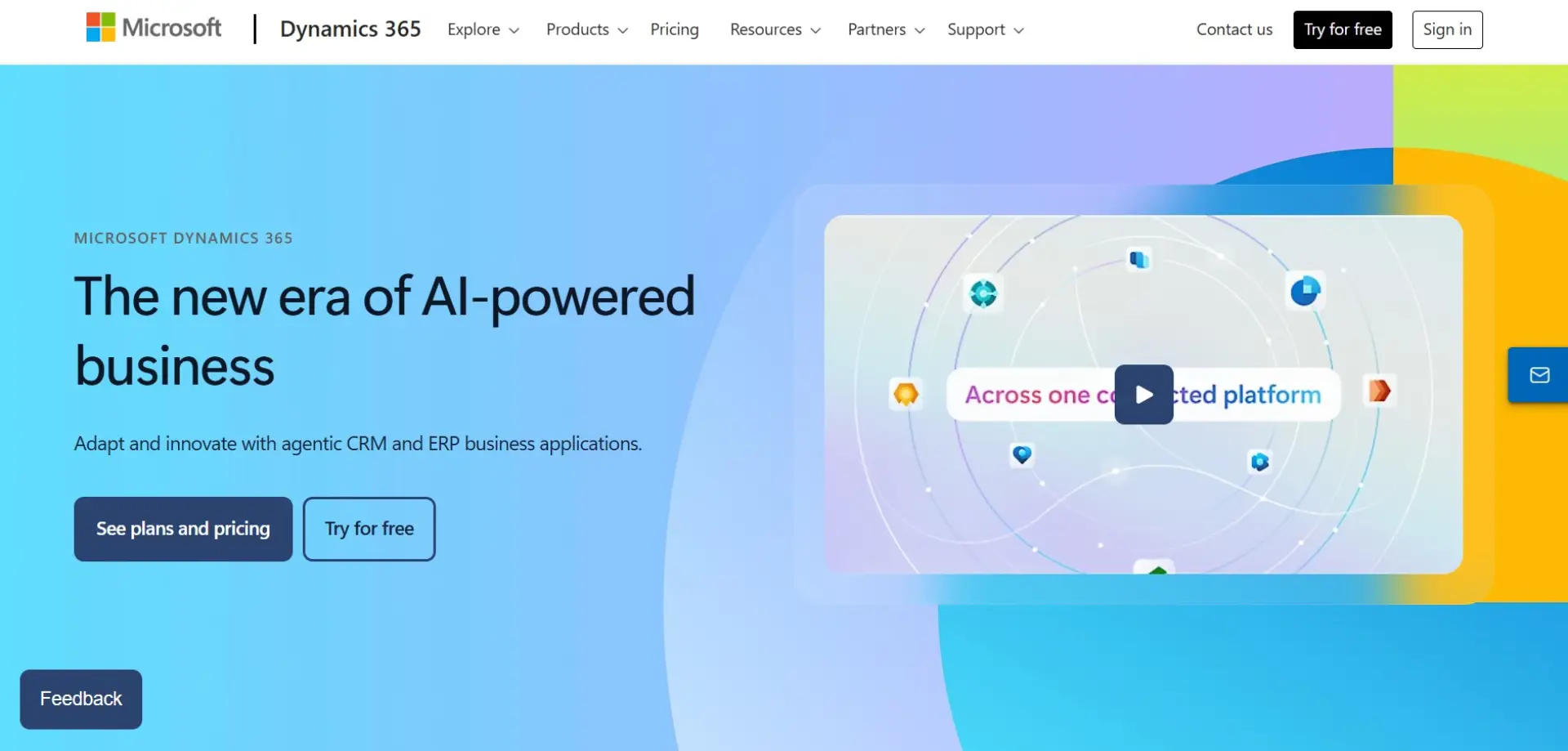
Overview: Microsoft Dynamics 365 CRM integrates with Microsoft tools like Outlook, Teams, and Excel. It combines CRM and ERP capabilities in one platform, making it a comprehensive solution for large organisations. The system offers advanced analytics and automation to streamline sales, service, and marketing operations.
Why It Stands Out: Deep integration with Microsoft products enhances productivity and data consistency. Its modular system lets businesses pay for only the features they need. Dynamics 365 also provides robust security and compliance features for enterprise-level organisations.
Best For: Enterprises heavily invested in Microsoft’s ecosystem.
Key Features:
-
Native Microsoft integrations
-
Advanced analytics
-
Modular CRM applications
Things to Consider: Setup and configuration can be complex. It may require partner support for large implementations. Smaller teams might find it overwhelming due to its depth of features.
Case Studies: View all case studies
5. Pipedrive
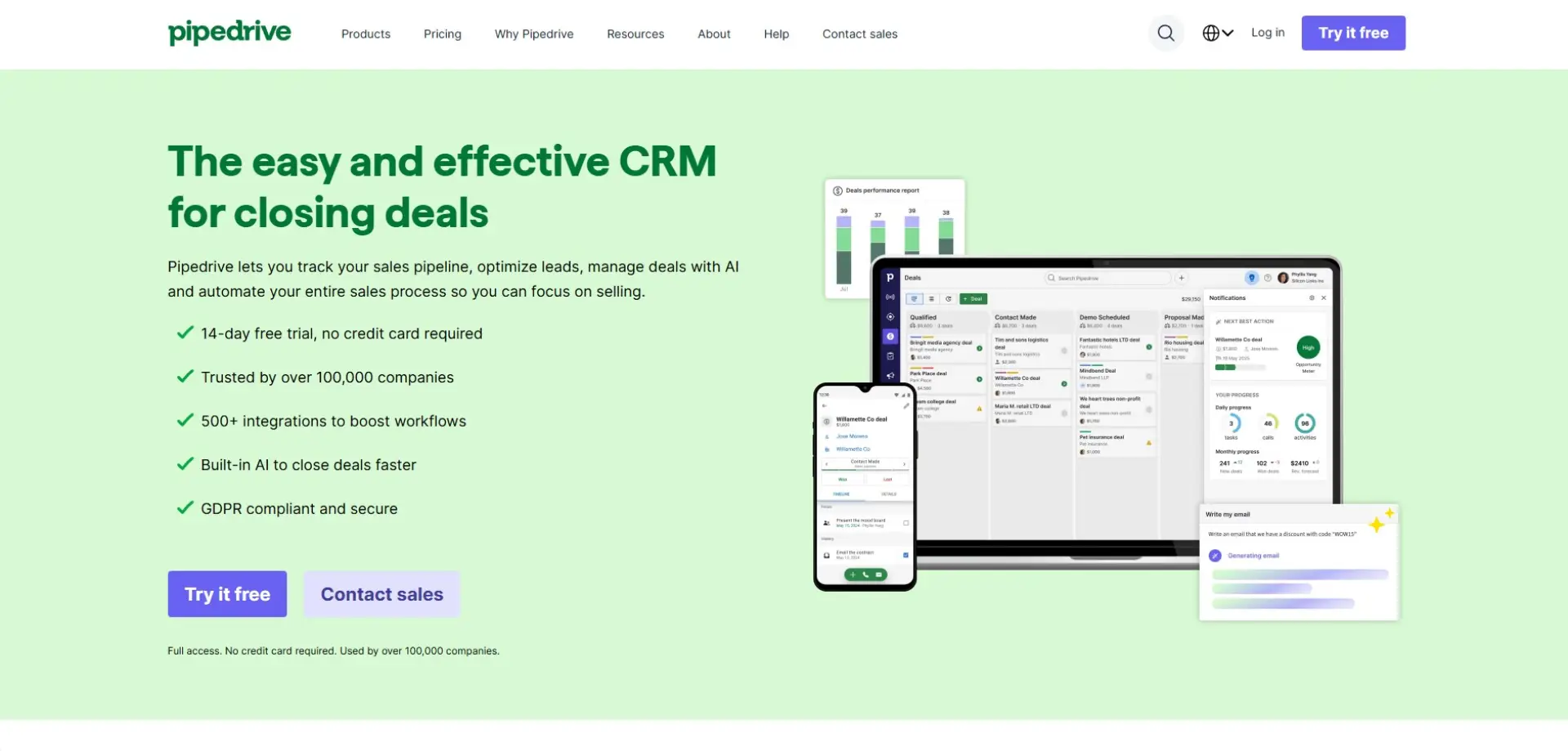
Overview: Pipedrive is a sales-focused CRM built around visual pipelines and deal tracking. It helps sales teams stay organised and close deals faster. The platform is designed for simplicity, making it easy for users to manage leads, activities, and follow-ups without technical expertise.
Why It Stands Out: The platform is simple, intuitive, and designed for daily use. Automation reduces administrative tasks, keeping salespeople focused on selling. Its visual pipeline and reporting tools make performance tracking effortless.
Best For: Sales-driven teams and small businesses.
Key Features:
-
Visual deal pipelines
-
Activity and follow-up tracking
-
Email integration
Things to Consider: Limited marketing and service features. Not ideal for complex workflows. Advanced reporting may require higher-tier plans.
Case Studies: Not available
6. Freshworks
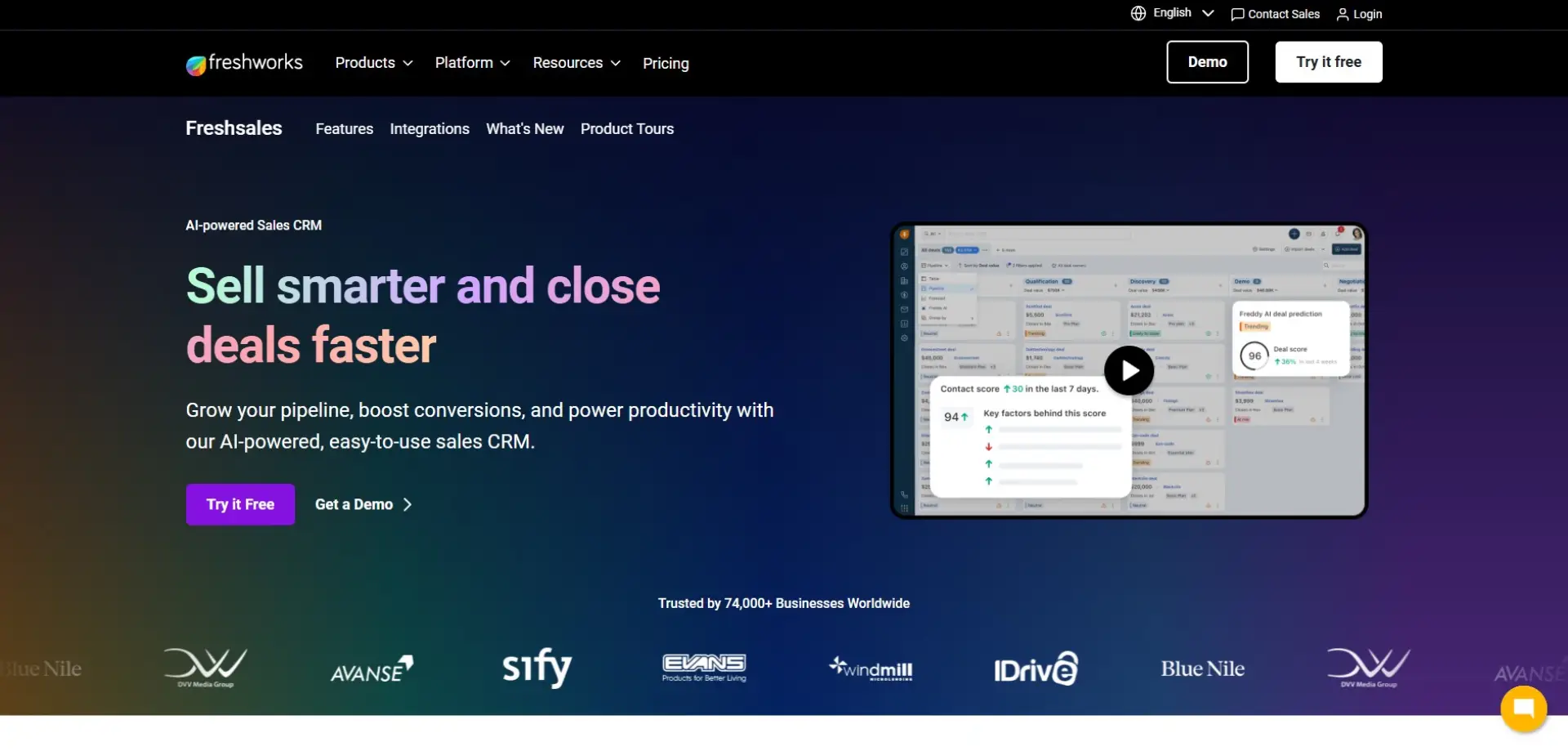
Overview: Freshworks CRM (Freshsales) combines sales automation, communication tools, and customer data into a single platform. It gives teams a clear, real-time view of every interaction across email, phone, and chat. The platform is designed to help sales teams move quickly without adding unnecessary complexity.
Why It Stands Out: Freshworks stands out for its built-in AI tools, which help prioritise leads and highlight high-intent prospects. Automation features reduce manual work, allowing sales teams to focus on conversations that matter. Its clean interface also makes onboarding straightforward for growing teams.
Best For: Growing sales teams that want built-in automation and communication tools.
Key Features:
-
AI-powered lead scoring
-
Workflow automation
-
Built-in email and phone
Things to Consider: Marketing features are relatively limited compared to all-in-one platforms. Reporting options may feel restrictive for advanced users. Larger teams may need higher-tier plans to unlock full functionality.
Case Studies: View all case studies
7. Keap
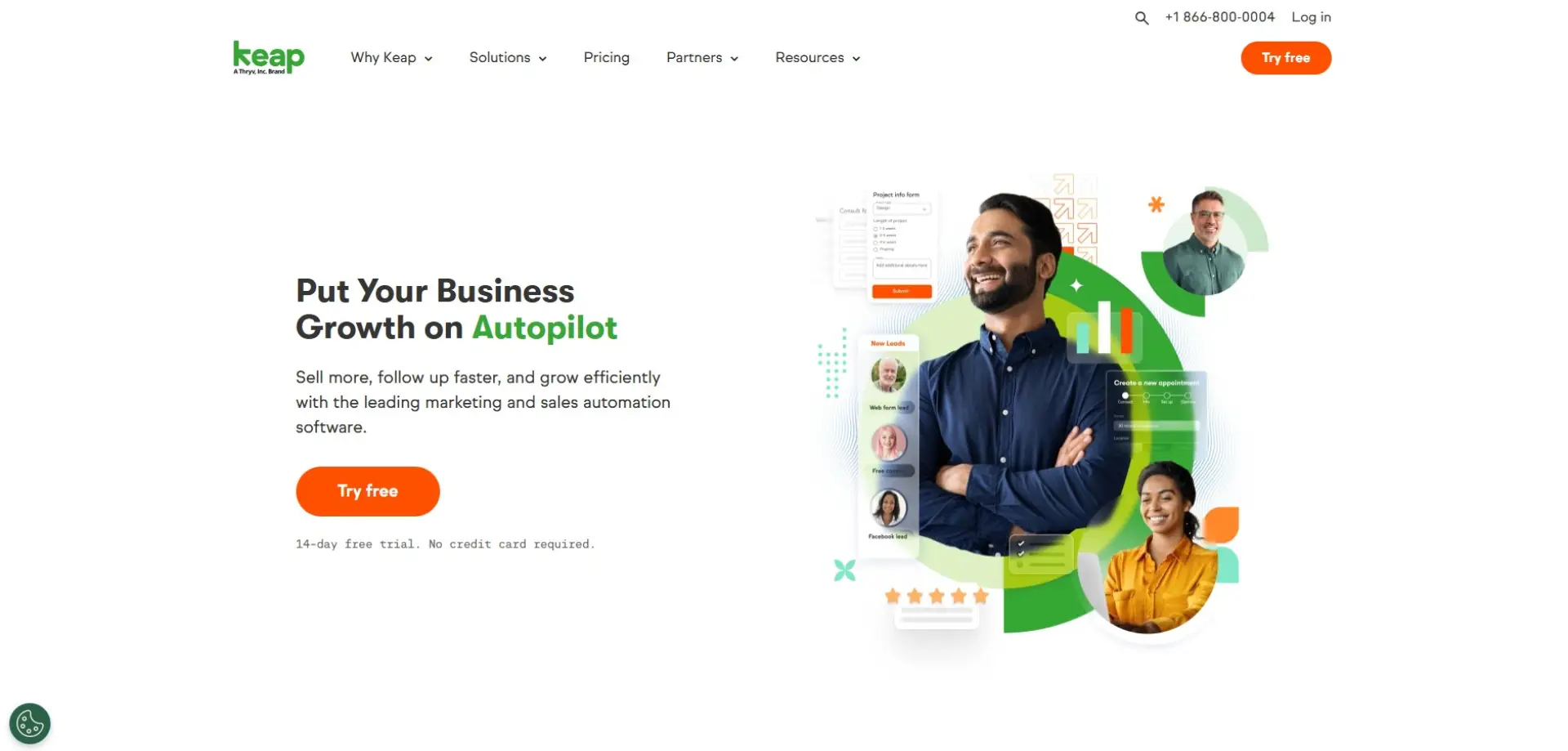
Overview: Keap is a CRM and marketing automation platform designed for small businesses and solopreneurs. It combines contact management, automated follow-ups, and payment processing in one system. The goal is to reduce admin work while keeping customer communication consistent.
Why It Stands Out: Keap excels at automation, especially for nurturing leads and managing repeat customers. Its pre-built workflows make it easier for small teams to automate sales and marketing without technical expertise. The platform is particularly strong for service-based businesses.
Best For: Small businesses and service providers managing repeat customers.
Key Features:
-
Automated email and SMS follow-ups
-
Appointment scheduling
-
Invoicing and payments
Things to Consider: Pricing can feel high for very small teams. The interface may feel busy at first. Some users report a learning curve during initial setup.
Case Studies: View all case studies
8. Zendesk Sell

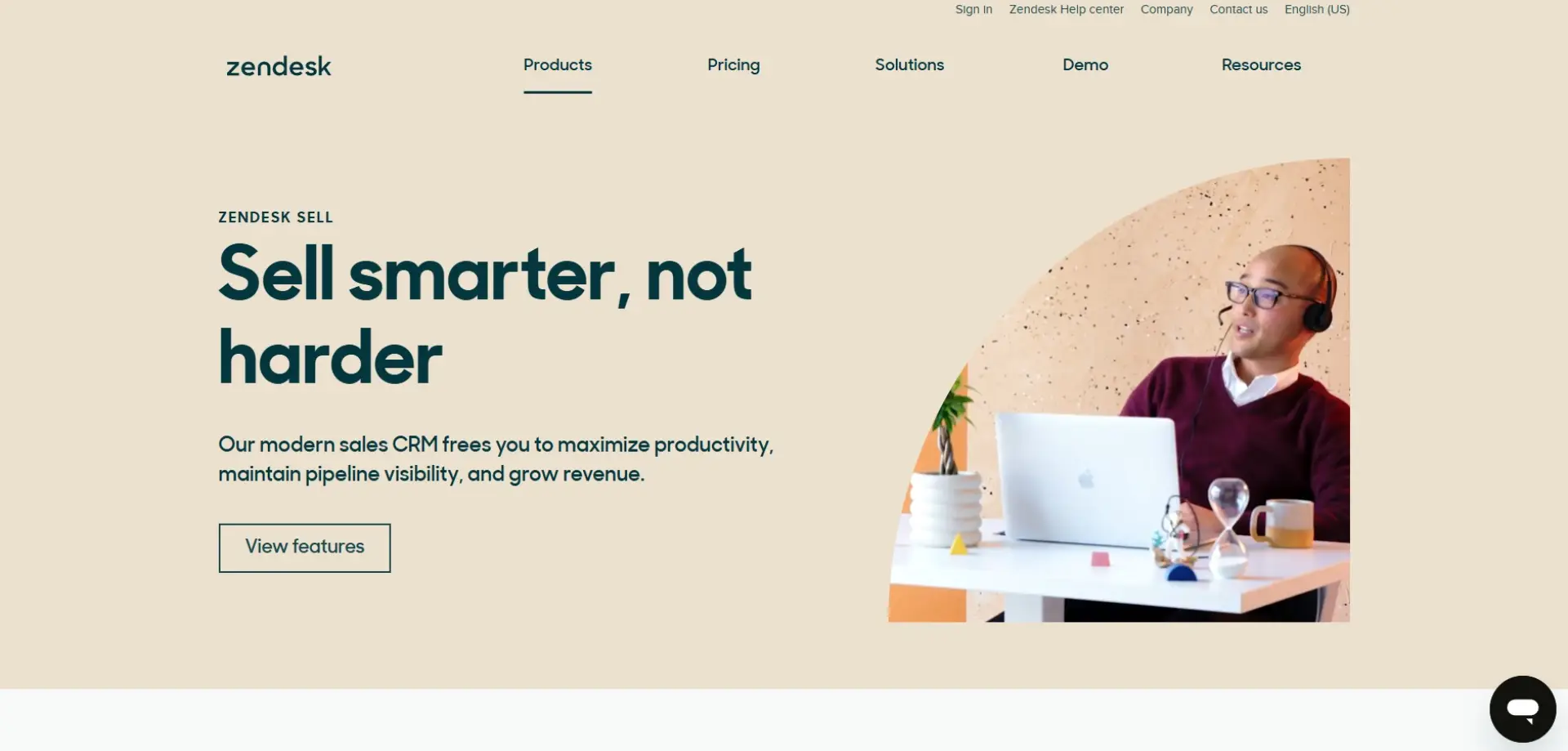
Overview: Zendesk Sell is a sales-focused CRM built to work alongside Zendesk’s customer support products. It helps sales teams track leads, manage pipelines, and forecast revenue. The platform is designed to bring sales and support data closer together.
Why It Stands Out: Its tight integration with Zendesk Support gives teams shared visibility across the customer journey. This alignment is useful for businesses where sales and customer service are closely linked. The mobile-friendly design also suits teams working on the move.
Best For: Sales teams working closely with customer support.
Key Features:
-
Pipeline and deal tracking
-
Mobile CRM
-
Sales forecasting
Things to Consider: Advanced features require higher-tier plans. It delivers the most value when used with other Zendesk products. Standalone users may find it less compelling.
Case Studies: View all case studies
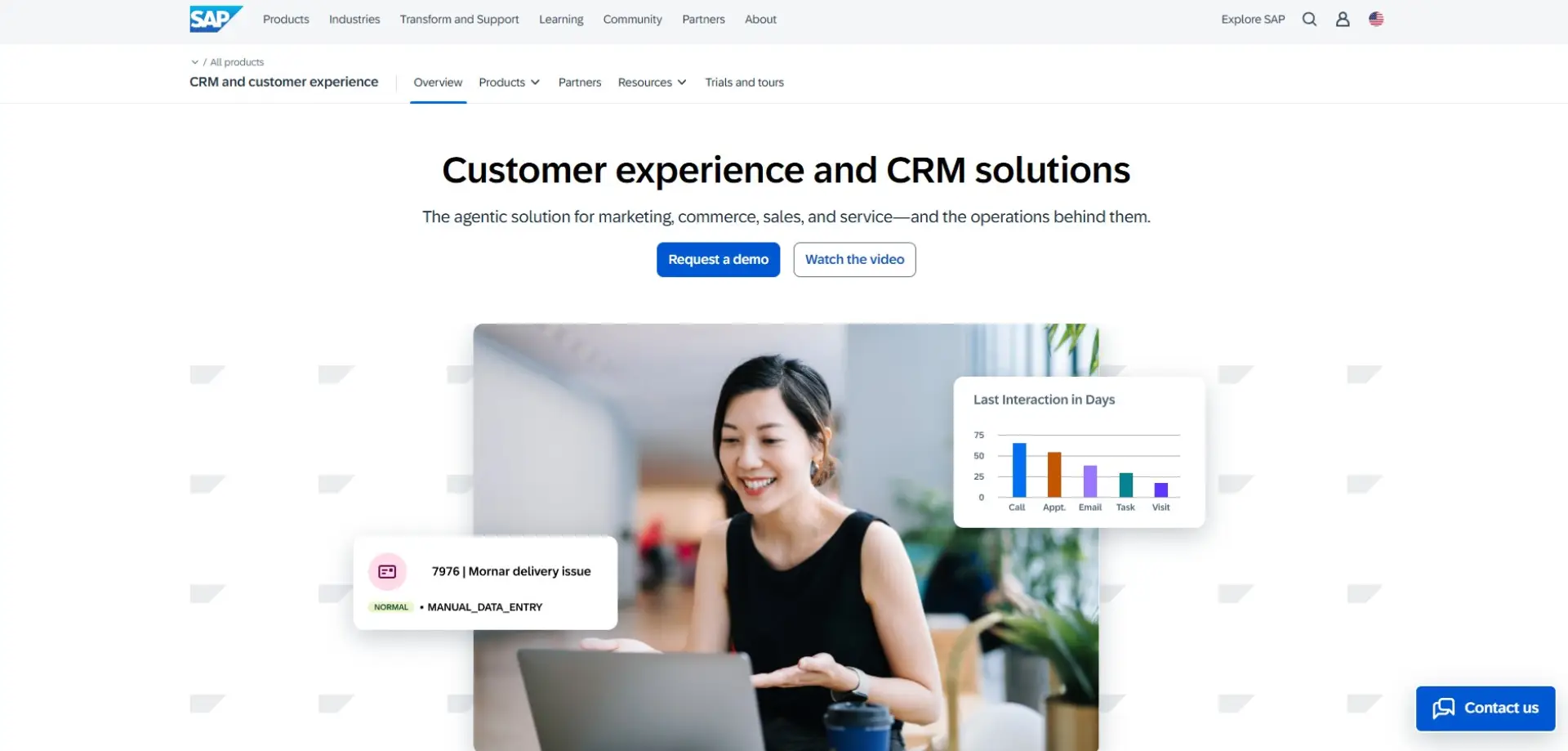
Overview: SAP Customer Experience is an enterprise-grade CRM suite designed for large organisations. It supports customer data management, engagement, analytics, and personalisation at scale. The platform is built to handle complex, multi-market operations.
Why It Stands Out: SAP’s strength lies in its scalability and depth of data insights. It allows enterprises to manage customer relationships across multiple channels and regions. Advanced analytics support strategic decision-making at an executive level.
Best For: Large enterprises with complex, global operations.
Key Features:
-
Omnichannel customer management
-
Advanced analytics and reporting
-
Enterprise-grade scalability
Things to Consider: Implementation can be time-consuming and costly. It typically requires specialist support. Smaller organisations may find it overly complex.
Case Studies: View all case studies
10. Oracle CX Sales
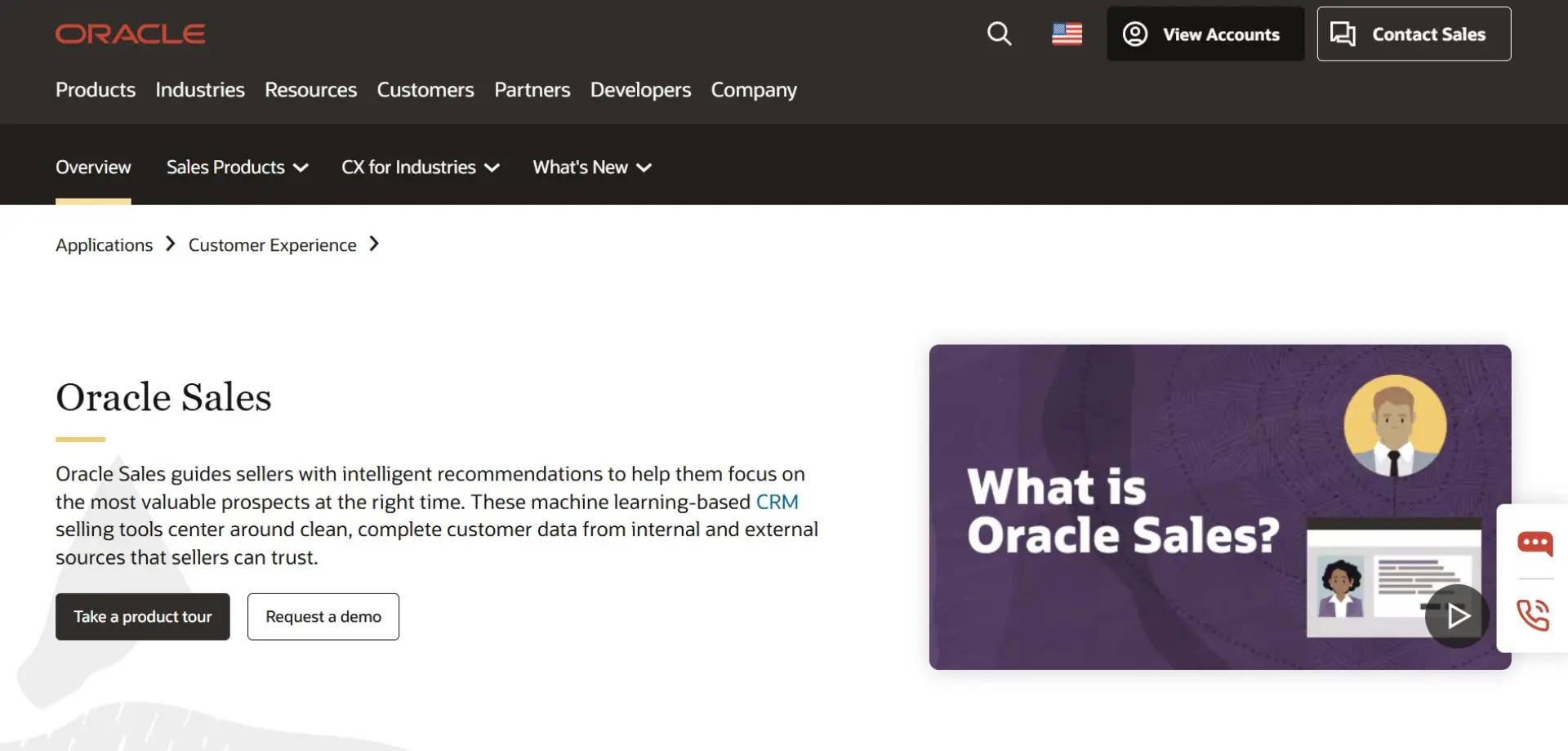
Overview: Oracle CX Sales is a CRM platform designed for data-driven sales teams. It focuses on pipeline management, forecasting, and performance analytics. The system is built to support large-scale, structured sales operations.
Why It Stands Out: Oracle’s advanced analytics and AI tools provide deep insight into sales performance and trends. The platform is well suited to organisations that rely heavily on forecasting and reporting. Its scalability makes it suitable for large enterprise teams.
Best For: Enterprises with mature, data-led sales processes.
Key Features:
-
Predictive sales analytics
-
Forecasting and reporting
-
Enterprise scalability
Things to Consider: The platform can be complex to deploy. Pricing is typically high. It may be excessive for smaller or less structured sales teams.
Case Studies: View all case studies
11. monday.com CRM
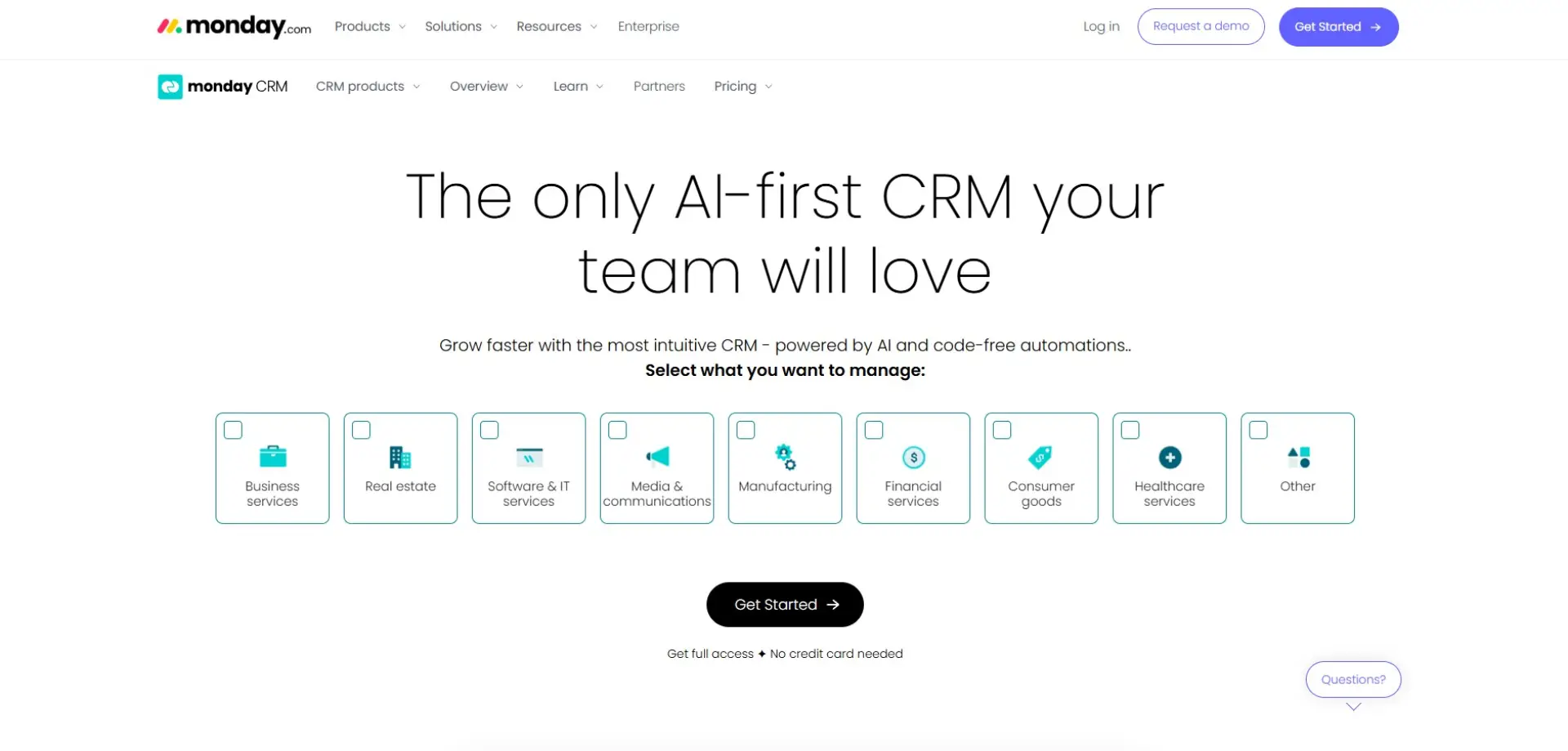
Overview: monday.com CRM adapts the platform’s work management tools for sales and customer tracking. Teams can build pipelines, dashboards, and workflows that reflect how they actually work. It offers flexibility rather than a rigid CRM structure.
Why It Stands Out: The visual, customisable layout makes it easy to understand and use. Teams can tailor the CRM to match their sales processes instead of adjusting processes to fit the software. Collaboration features also help keep teams aligned.
Best For: Teams that want a flexible, visual CRM.
Key Features:
-
Custom boards and pipelines
-
Workflow automation
-
Team collaboration tools
Things to Consider: Requires setup to function like a traditional CRM. Reporting is less advanced than enterprise platforms. Some users may prefer a more structured system.
Case Studies: View all case studies
12. SugarCRM
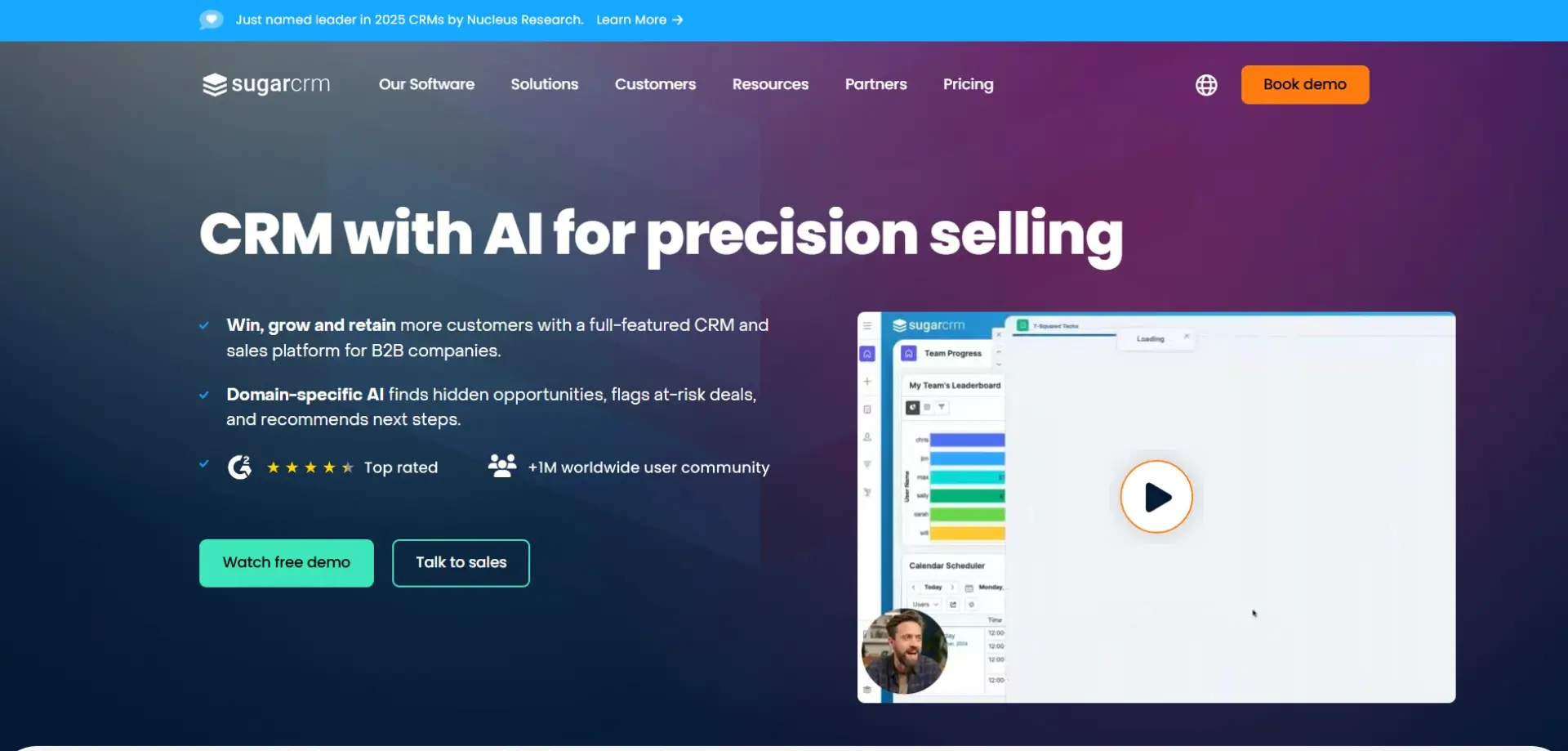
Overview: SugarCRM is a highly customisable platform designed for mid-sized and enterprise businesses. It focuses on sales automation, customer insights, and predictive analytics. The platform gives teams greater control over their data and workflows.
Why It Stands Out: SugarCRM offers strong flexibility without the scale or cost of Salesforce. Its predictive insights help teams identify opportunities and risks early. It’s well suited to organisations that want customisation without heavy vendor lock-in.
Best For: Mid-market and enterprise organisations needing flexibility.
Key Features:
-
Predictive analytics
-
Custom workflows
-
Sales automation
Things to Consider: The interface feels less modern than some competitors. Initial setup can take time. Training may be required for new users.
Case Studies: View all case studies
13. Insightly
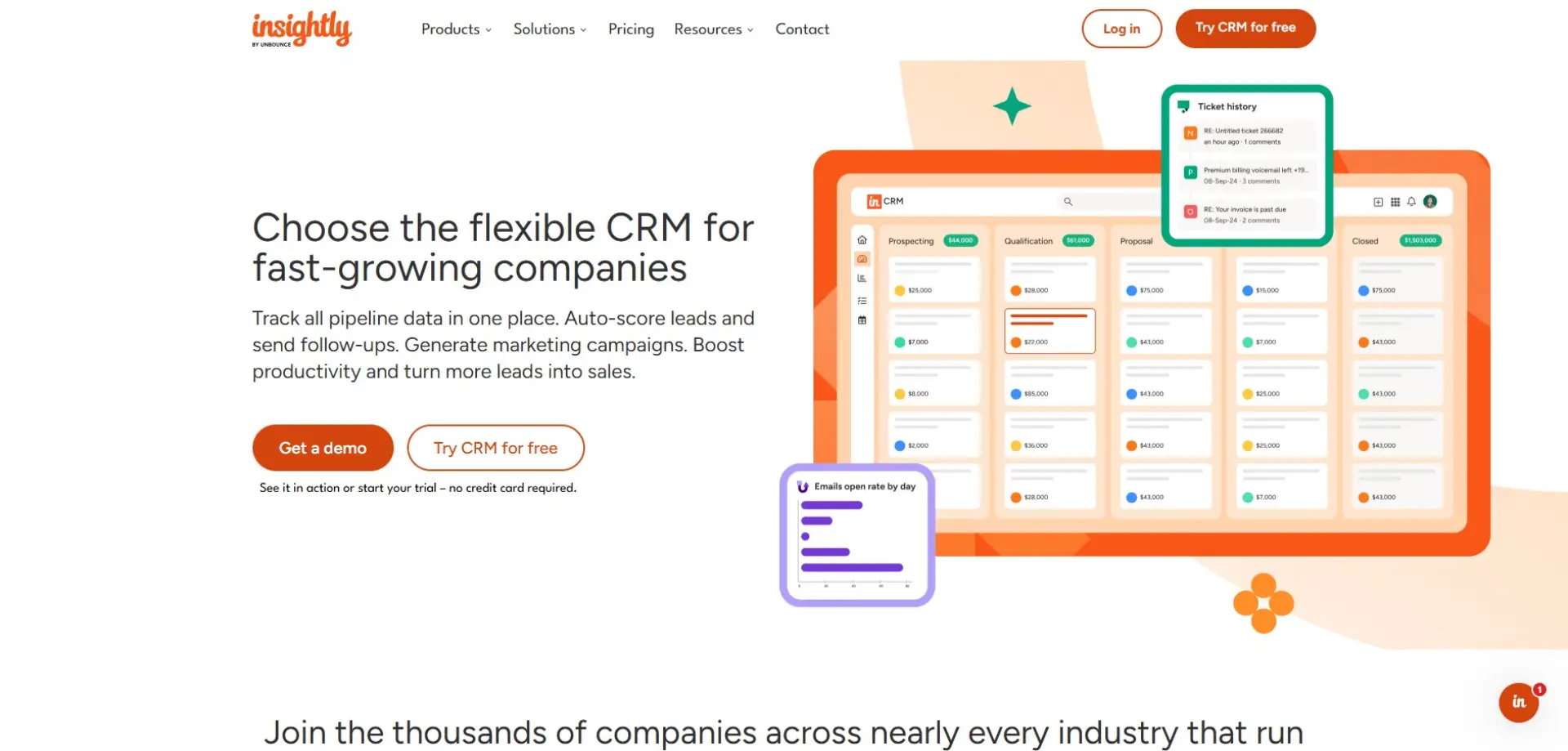
Overview: Insightly combines CRM functionality with project and task management tools. It allows teams to track leads, manage relationships, and oversee delivery after the sale. This makes it useful for service-based businesses.
Why It Stands Out: Its ability to link sales opportunities directly to projects helps teams maintain visibility across the customer lifecycle. This reduces handover issues between sales and delivery. It’s particularly effective for client-based work.
Best For: Businesses managing projects after closing deals.
Key Features:
-
CRM and project management
-
Workflow automation
-
Contact and lead tracking
Things to Consider: Marketing tools are limited. The interface can feel dated. It may not suit high-volume sales teams.
Case Studies: View all case studies
14. Bitrix24
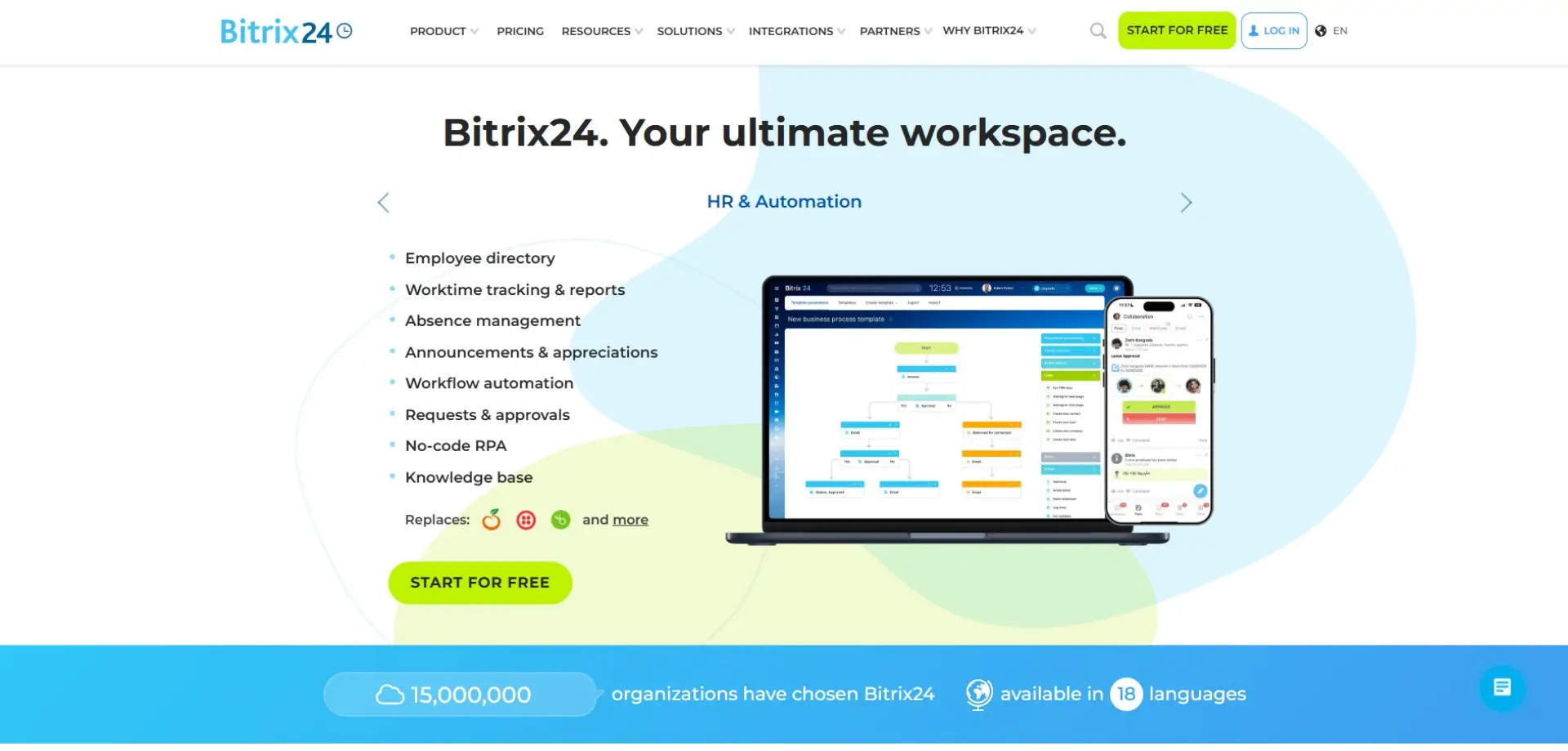
Overview: Bitrix24 is an all-in-one platform combining CRM, collaboration, and task management. It offers a wide range of tools including chat, document sharing, and automation. The platform is available in both free and paid versions.
Why It Stands Out: Its breadth of features makes it appealing for teams wanting everything in one place. The free plan is generous and useful for small teams. It works well as a central hub for internal collaboration and CRM.
Best For: Small to mid-sized teams needing an all-in-one solution.
Key Features:
-
Lead and deal management
-
Team collaboration tools
-
Automation features
Things to Consider: The interface can feel cluttered. There is a learning curve due to the number of features. Some teams may prefer simpler tools.
Case Studies: View all case studies
15. Nimble
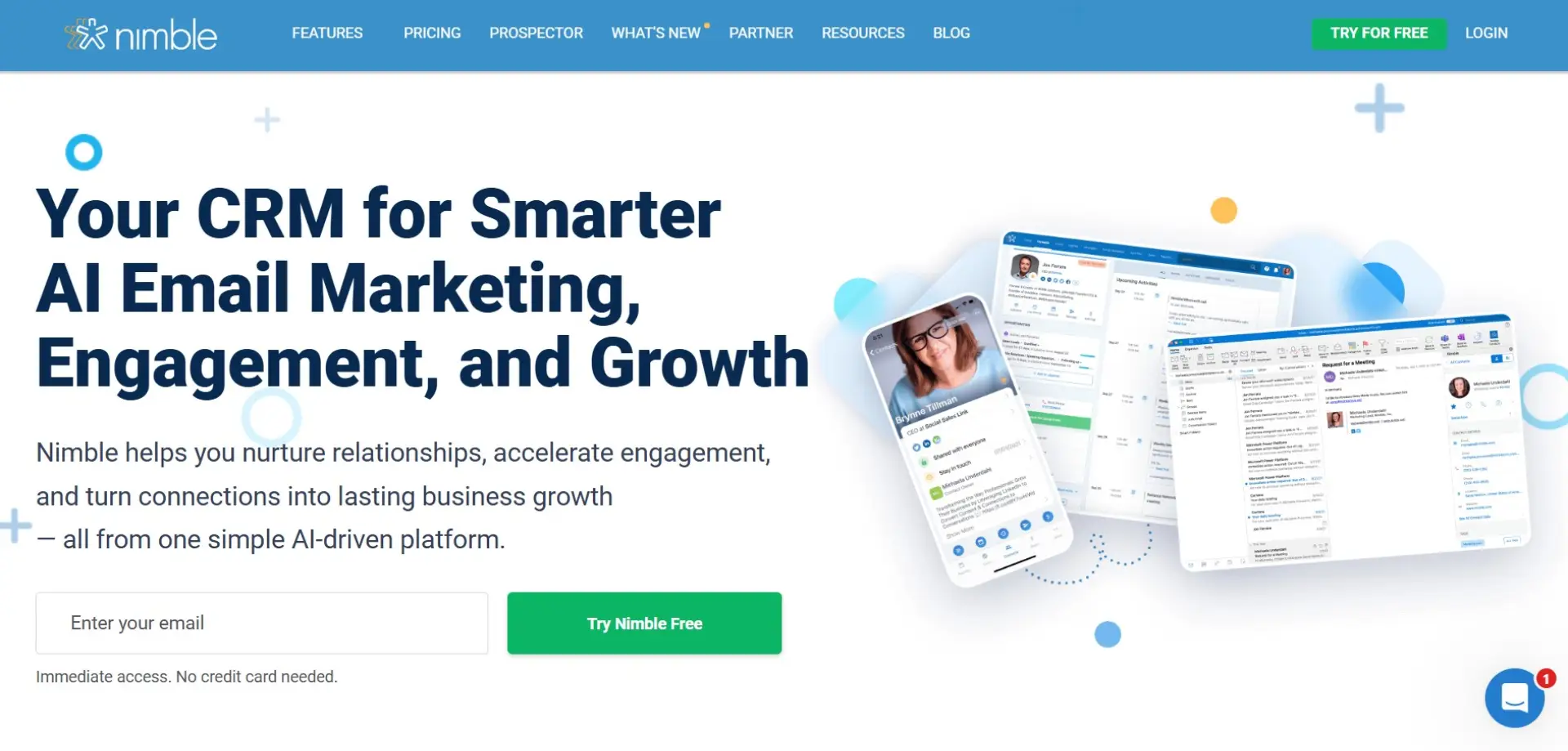
Overview: Nimble is a lightweight CRM focused on relationship and contact management. It automatically enriches contact profiles using email and social data. The platform prioritises simplicity over advanced automation.
Why It Stands Out: Nimble keeps CRM straightforward and easy to maintain. It’s particularly useful for professionals who rely on strong personal relationships. The clean interface makes daily use effortless.
Best For: Small teams, consultants, and solo professionals.
Key Features:
-
Unified contact profiles
-
Simple sales pipelines
-
Email integration
Things to Consider: Automation and reporting are limited. It’s not designed for complex sales processes. Growing teams may eventually outgrow the platform.
Case Studies: View all case studies
How We Selected These CRM Systems
We assessed each CRM based on five core criteria, focusing on real-world usability and business impact:
-
Ease of use: We looked at how intuitive the platform is and how quickly teams can get up and running without extensive training or support. A CRM that’s easy to adopt helps teams actually use it rather than abandon it.
-
Core functionality: This includes the essential tools for sales, marketing, automation, and reporting. We wanted to make sure each CRM covers the fundamental needs of modern teams without requiring endless add-ons.
-
Scalability: We considered how well the platform grows with your business. Whether you’re a small team planning to expand or a large enterprise with complex processes, the CRM should support your growth smoothly.
-
Integrations: In today’s ecosystem, a CRM doesn’t exist in isolation. We evaluated how easily it connects with common business tools like email platforms, marketing automation, collaboration apps, and accounting software.
-
Value for money: Finally, we weighed features against cost. A great CRM doesn’t have to be the most expensive, but it should offer strong functionality, reliability, and long-term ROI for the price.
Why the Right CRM Matters
Choosing the right CRM is more than picking the most popular platform. It depends on your team size, sales processes, budget, and how much complexity you need. Small teams may prefer HubSpot or Pipedrive for simplicity, while enterprise organisations may find Salesforce or Microsoft Dynamics 365 better suited to their needs.
A CRM is only as good as its adoption. Focus on usability, integration, and alignment with your processes rather than overwhelming features. The right CRM can save time, reduce errors, and help your team close more deals.
If you need guidance on selecting, implementing, or optimising a CRM as part of your growth strategy, the Munro Agency can help. They specialise in helping B2B teams align technology, data, and marketing to drive revenue. Get in touch with Munro Agency today to see how the right CRM can transform your business.
FAQs
A CRM (Customer Relationship Management) system is software that helps businesses manage interactions with customers and prospects. It stores contact information, tracks sales activity, and supports marketing and customer service tasks. Essentially, it keeps your team organised and your customer data in one place.
HubSpot CRM, Pipedrive, and Zoho CRM are excellent choices for small businesses. They are easy to use, affordable, and provide core sales and marketing features without unnecessary complexity. Small teams can get started quickly and scale up as their needs grow.
Yes. A CRM centralises customer data, tracks deals, and automates follow-ups, which helps sales teams work more efficiently. Many CRMs also offer analytics and reporting to identify high-value leads and optimise the sales process.
Absolutely. Enterprise-level CRMs like Salesforce, Microsoft Dynamics 365, and SAP Customer Experience are designed for complex processes and large teams. They provide advanced automation, integrations, and reporting capabilities to support multi-department operations.
Start by evaluating your team size, sales processes, budget, and integration needs. Consider ease of use, scalability, and the features your business actually requires. Testing free trials or demos can help ensure the CRM fits your workflow before committing.